WalkMe Success Center
Welcome to the WalkMe Success Center! Whether you have the WalkMe Digital Adoption Platform (DAP), WalkMe Learning Arc, or both, we’re here to support you through your WalkMe journey. This is your one-stop shop for onboarding guides, best practices articles, events, and more.
Many of the links on this page require a WalkMe user account to access. If you don’t have a WalkMe user account, please reach out to your organization’s WalkMe admin.
Help Resources
Read product guides, explore online training, connect with DAP professionals, and more.
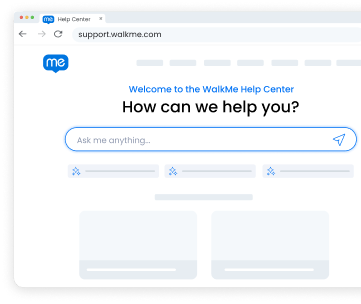
Help Center
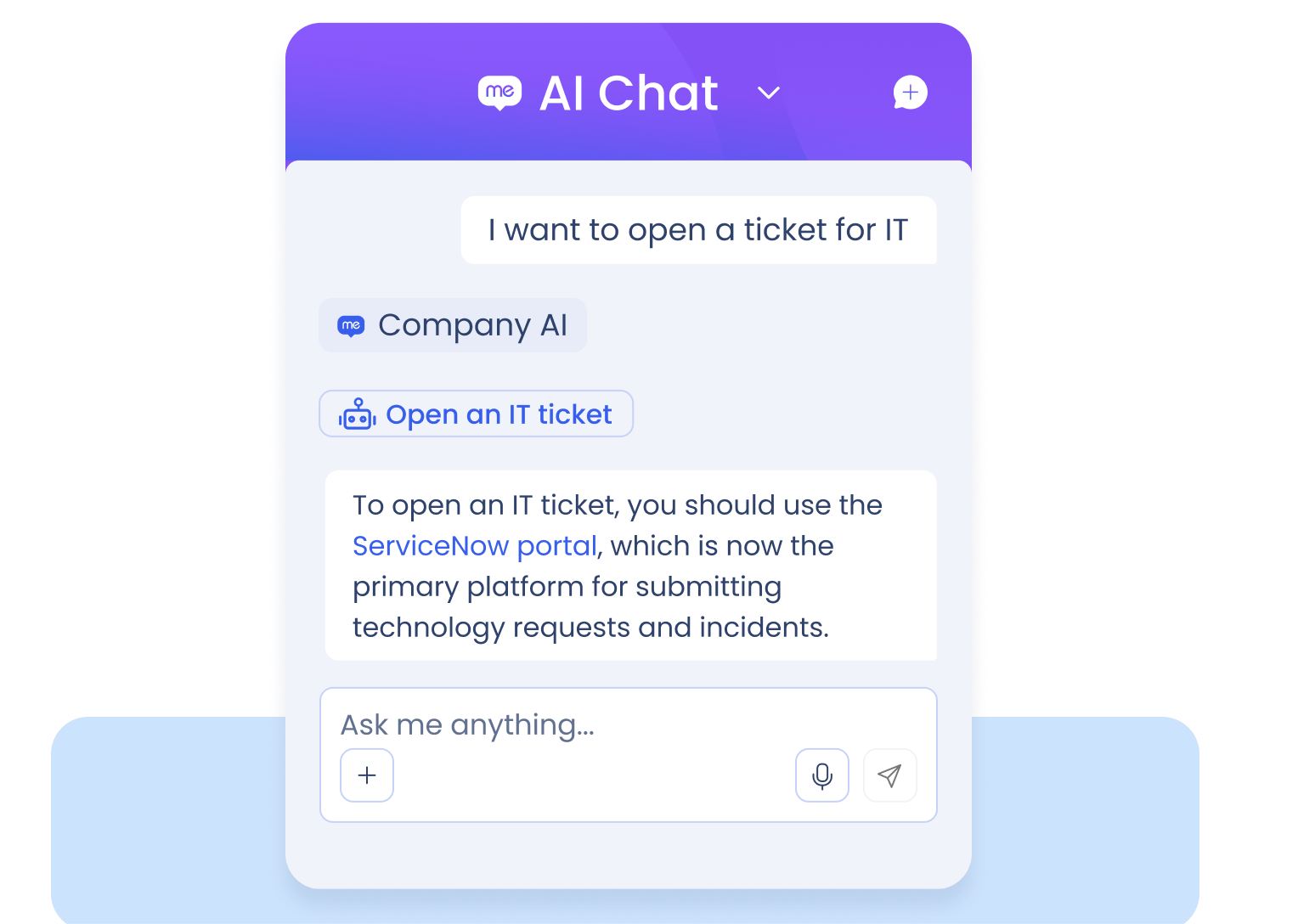
From a robust knowledge base and on-demand chat to email support and AI-based solutions, we meet you where you are.
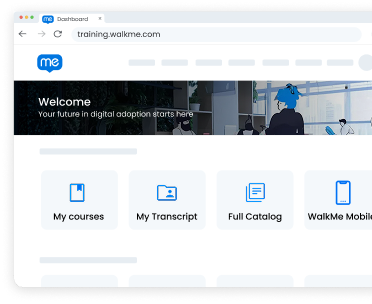
Education
Develop and boost your DAP skills with self-paced training, instructor-led learning, and certifications. Learn on your time and in your preferred style.
Support
Get fast, effective issue resolution from our global team, and review your case history.
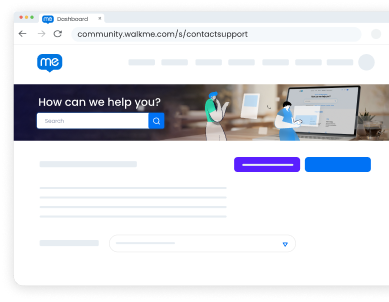
Community
Collaborate with the largest community of digital adoption and WalkMe experts to get inspired, ask questions, find answers, submit product ideas, join events, and more.
DAP Blueprint
Review best practices for operationalizing and scaling your digital adoption strategy.
Champion Toolkit
Use these customizable slide decks, email templates, and promotional materials to champion your digital adoption program throughout your organization.
WalkMe Setup
Whether you have the WalkMe Digital Adoption Platform (DAP) or WalkMe Learning Arc, here’s what you need to know about configuration.
Install the WalkMe Editor (DAP)
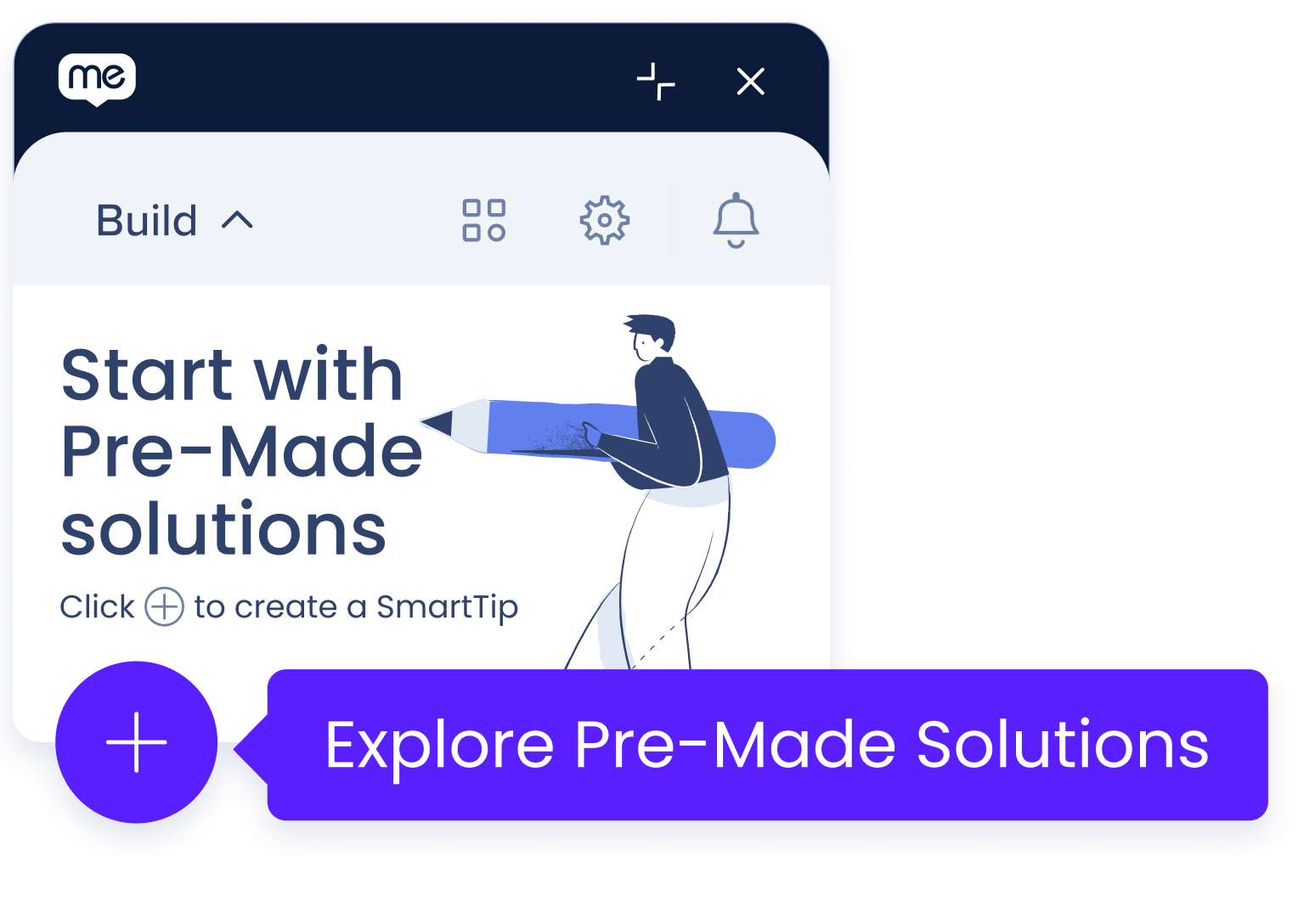
Use the WalkMe Editor to build, manage, and publish your digital adoption content.
Choose a Deployment Method (DAP)
Determine whether to deploy WalkMe digital adoption content via Javascript snippet or browser extension.
Set Up Your Unique User Identifier (DAP)
Configure Unique User Identifiers (UUIDs) to tailor your WalkMe content and gather meaningful user insights.
Review Other DAP Setup Topics
Browse our comprehensive list of configuration guides.
Configure WalkMe Learning Arc
Invite users, download the WalkMe Learning Arc Chrome extension, and configure your environment.
Review Other WalkMe Learning Arc Setup Topics
Browse our comprehensive list of configuration guides.
WalkMe Onboarding
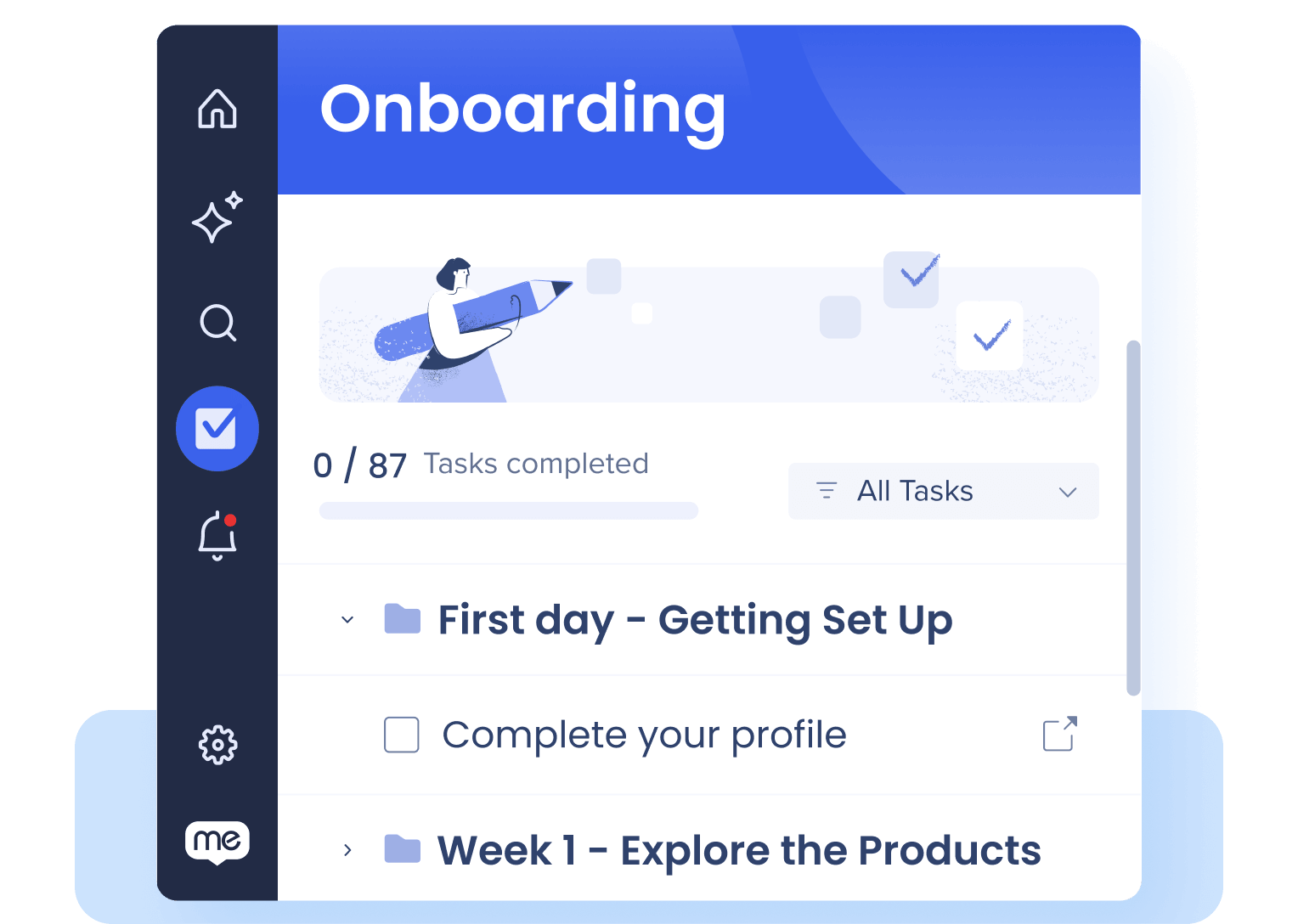
New users: start here! Find onboarding resources and learn the basics of WalkMe.
SAP Customers: for tailored onboarding guidance, visit our Onboarding Resource Centers for DAP and WalkMe Learning Arc.
WalkMe Onboarding Guide (DAP)
From kickoff to go-live, explore this collection of help resources and best practices for each stage of your WalkMe onboarding journey.
Take WalkMe Fundamentals (DAP)
Start your digital adoption learning journey with this online course. Complete WalkMe Fundamentals to gain an understanding of digital adoption basics and the WalkMe platform.
Become a WalkMe Builder (DAP)
This online curriculum covers everything you need to know about building content in WalkMe. Learn key tactics and best practices for creating impactful content and become a certified WalkMe builder.
WalkMe Learning Arc
This online curriculum covers how to author learning content, create simulations and quizzes, configure your Learning Portal, and measure learner engagement and performance.
Use Cases
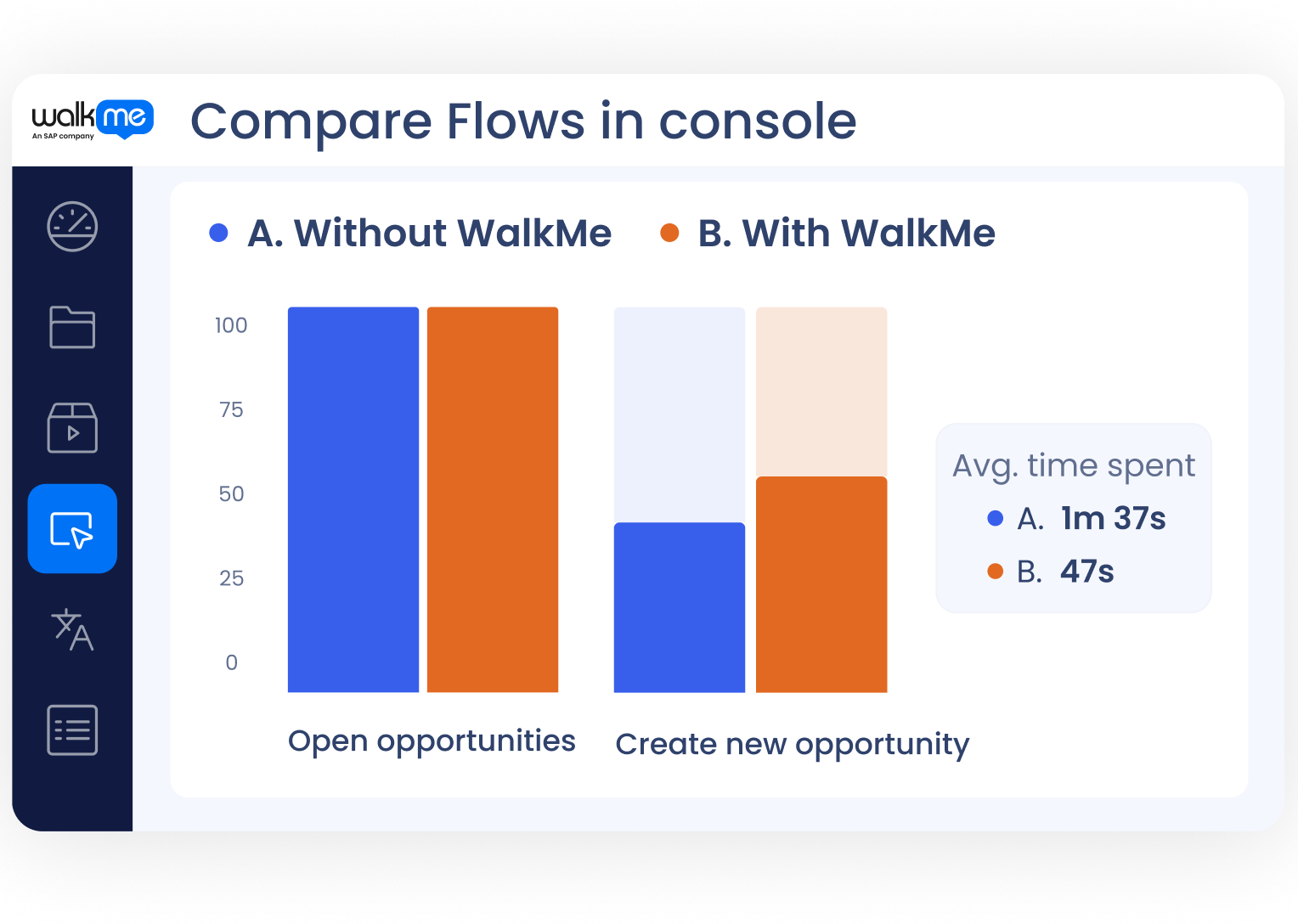
See what WalkMe can do for you and how to make it happen.
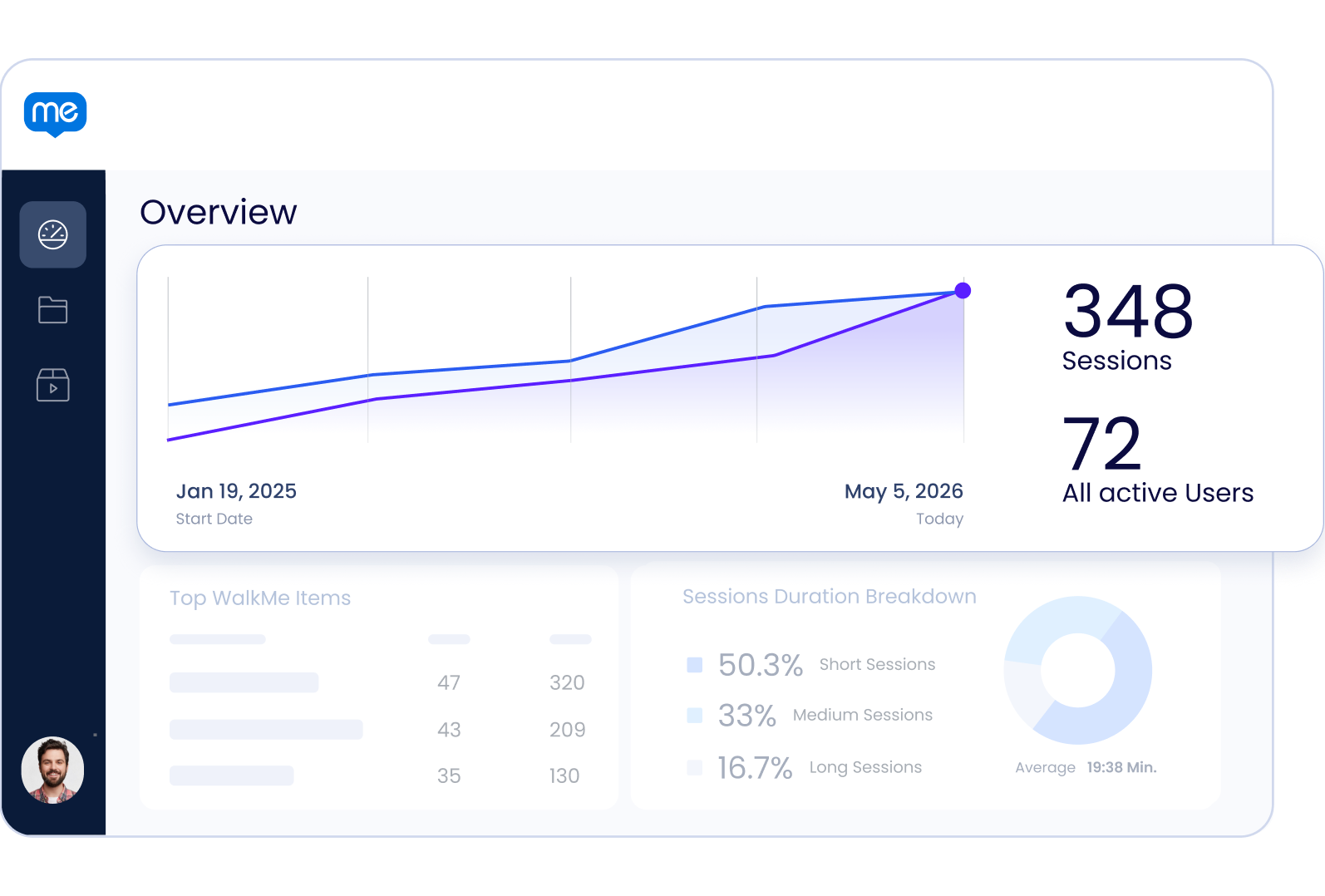
Education and Events
Whether you’re looking for day-to-day help with WalkMe or thought leadership from industry pros, WalkMe has the session for you.
Builder Basics Bootcamp (DAP)
Learn the basics to building with WalkMe in this 6-week cohort style enablement program! Designed for new builders to learn foundational skills through courses, live sessions & exercises.
Builder Intermediate Bootcamp (DAP)
Enhance your WalkMe building skills with this 6-week cohort style enablement program! Uplevel your building knowledge through courses, live sessions & exercises.
Office Hours
WalkMe Office Hours are live, interactive virtual sessions where you can learn directly from our experts and get your questions answered in real time. Each session focuses on a specific WalkMe topic, starting with a short presentation and followed by open Q&A.
Explore Events
Join us for a virtual event, or come learn from other DAP pros at a live event. Can’t join us live? Review our session replays to see what you missed.