PLATFORM SOLUTION
WalkMe for Workday®
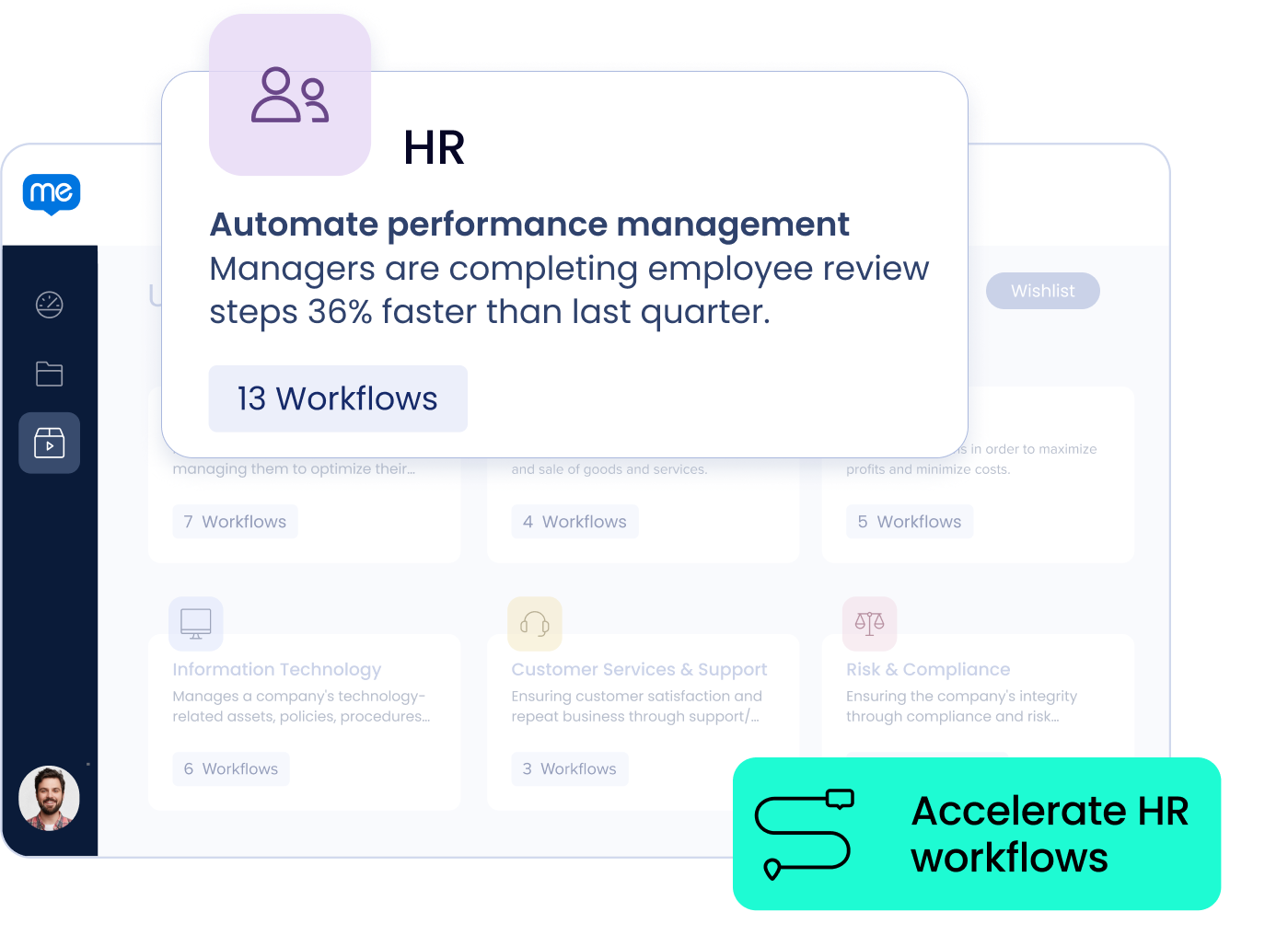
From recruiting to performance appraisals, WalkMe removes the friction from HR workflows so your employees can complete the task at hand faster and with greater accuracy.
Get more value from your HR tech.

50%
reduction in task completion time.

80%
increase in employee self-sufficiency.
Get up and running faster.
60% faster user adoption of features and applications.
Take productivity from good to great.
113 full-time equivalents higher net productivity.
Outpace the speed of change.
30% faster change management processes.
Say goodbye to bad data.
41% fewer business processes errors.
DATA
Gain visibility into user journeys.
See how your people use Workday®. Understand where they struggle, get stuck, and make mistakes within a field, form, or workflow. Quickly eliminate the friction, ensuring data and process accuracy.
ACTION
Empower your people.
Build responsive, flexible Workday® workflows on-the-fly. Get up and running faster with out-of-the-box solutions that enable your people to manage change in an instant.
EXPERIENCE
Boost productivity everywhere.
Give your people a personalized experience on web, desktop, or mobile. Deliver real-time training and support at scale. With advanced search and automation, simplify how employees find what they need and get the job done.

Adoption of our technology solutions is critical to achieving return on investment. WalkMe helps with that adoption by engaging our employees directly within our internal applications and providing just in time guidance, which increases self-service and adoption and reduces support tickets submitted to our internal applications.
Doug Beaudoin
Chief Information Officer
HR workflows run better with WalkMe.
Friction in workflows like recruiting and employee separation slow down HR operations and put your workplace reputation at risk. WalkMe pinpoints the friction and simplifies your most critical workflows, so your people can focus on what matters – results.
Explore more from WalkMe.

ON-DEMAND EVENT
Changemakers in action: The new architects of employee experience
BLOG
WalkMe for Workday®: the complete HCM adoption solution
EBOOK
Change management meets AI: An HR innovator’s playbook
Ready to go frictionless?
Get started with digital adoption today.