GUIDANCE CREATION
Create guidance that works, impact that scales.
Guide people in the flow of work, so workflows run as intended and the technology you’ve invested in actually gets used. Describe what you need in plain language and fine-tune where needed, or start fast with ready-to-deploy templates.
AI AUTHORING
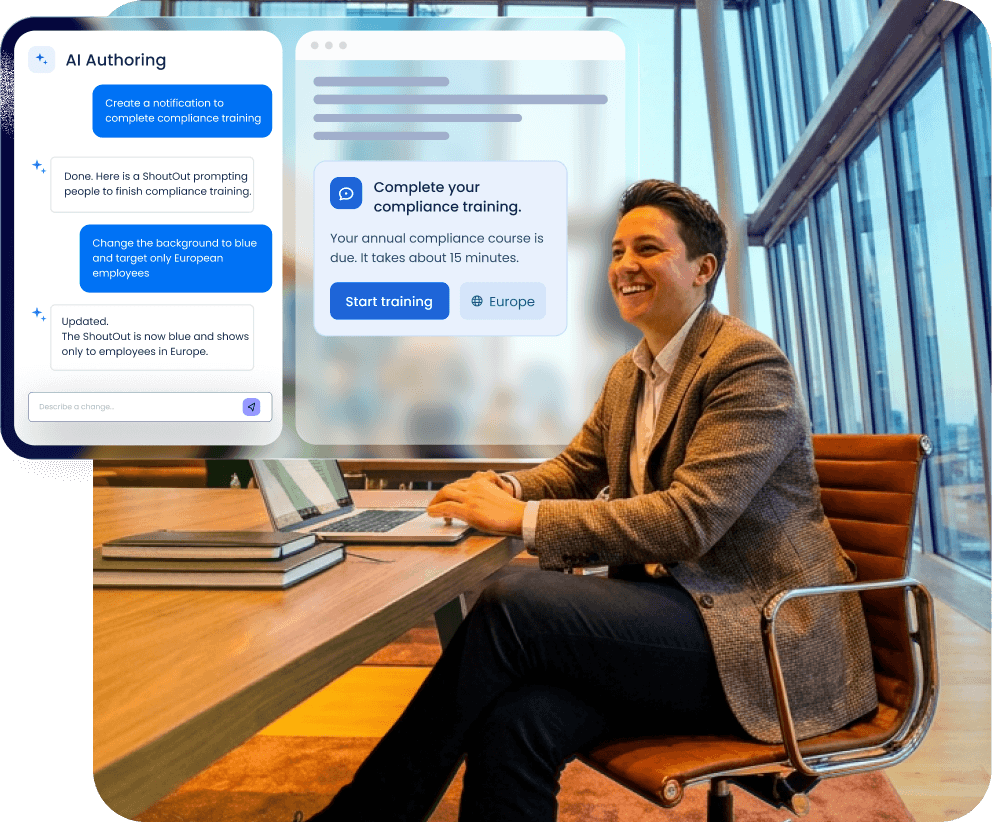
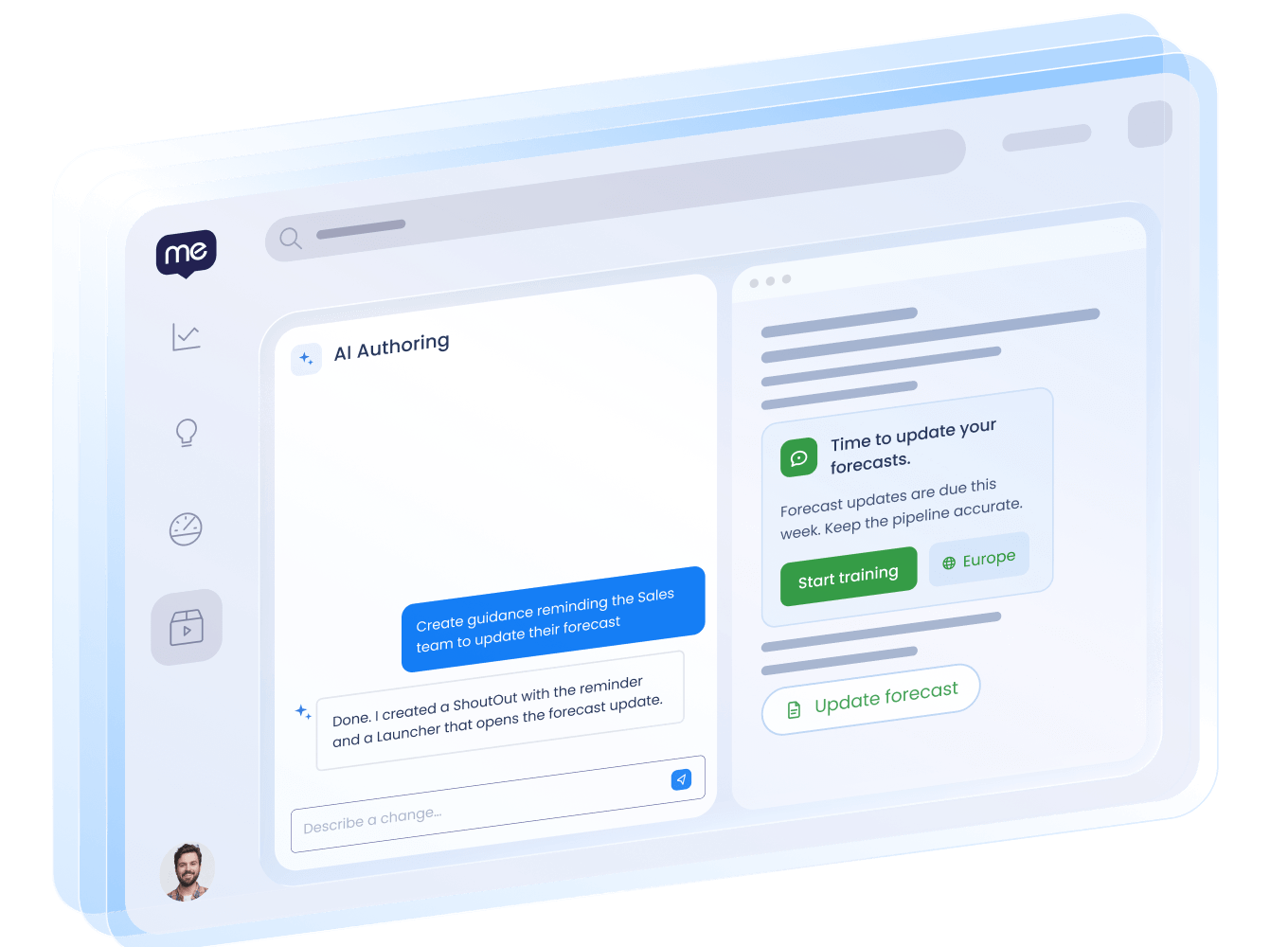
Describe your builds. WalkMe AI does the rest.
Describe what you need, how you want it to look, and when it should show up. WalkMe’s agentic AI authoring builds the guidance, ready to review, edit, and deploy. Faster solutions, less friction in your workflows, all from a conversation.
WALKME EDITOR
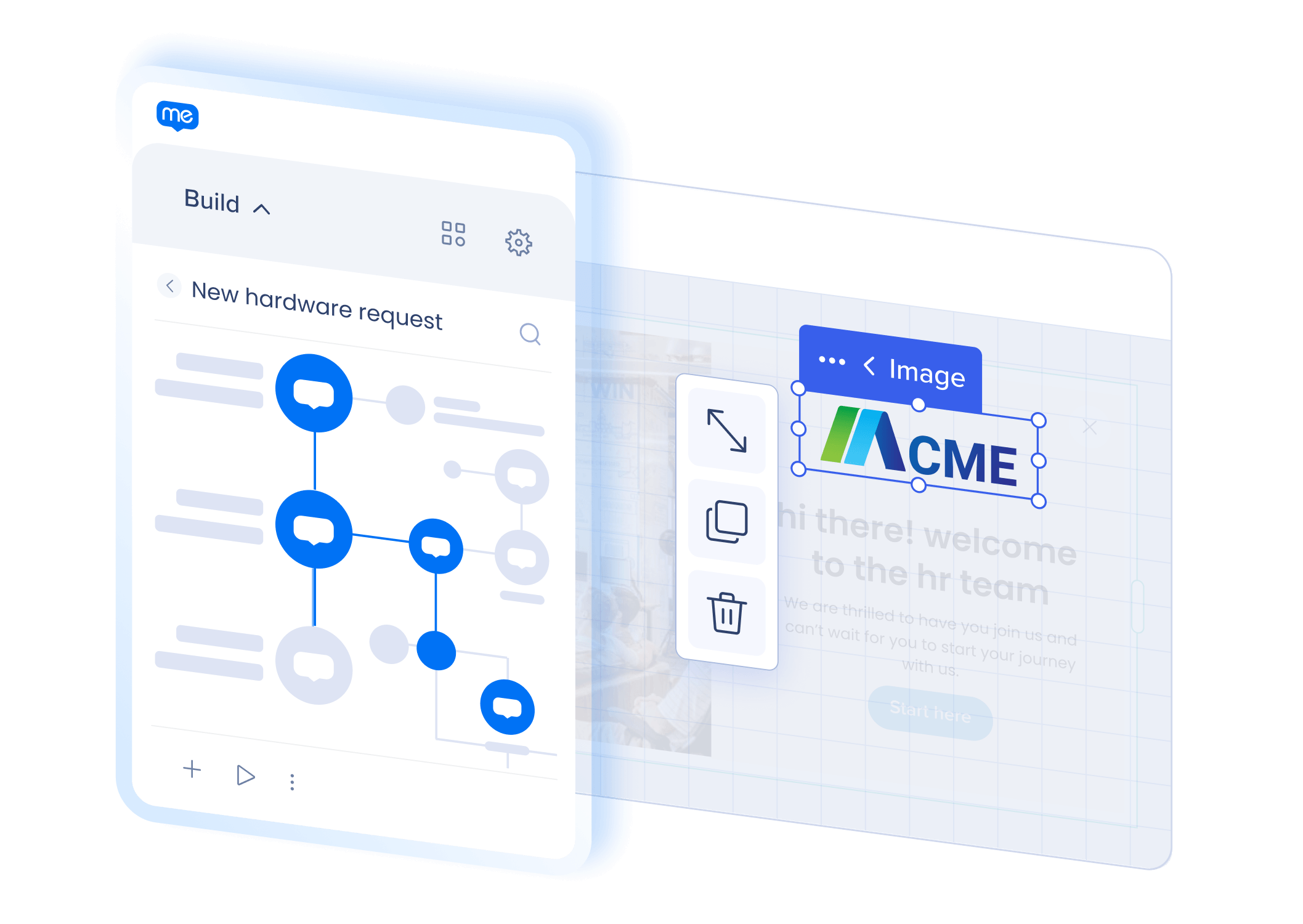
Give every user exactly what they need.
Build guidance that adapts to each user’s situation with different paths for different roles, rules, and scenarios. With WalkMe, the experience matches how your processes and policies actually work in practice, not just the ideal case.
WORKFLOW ACCELERATORS
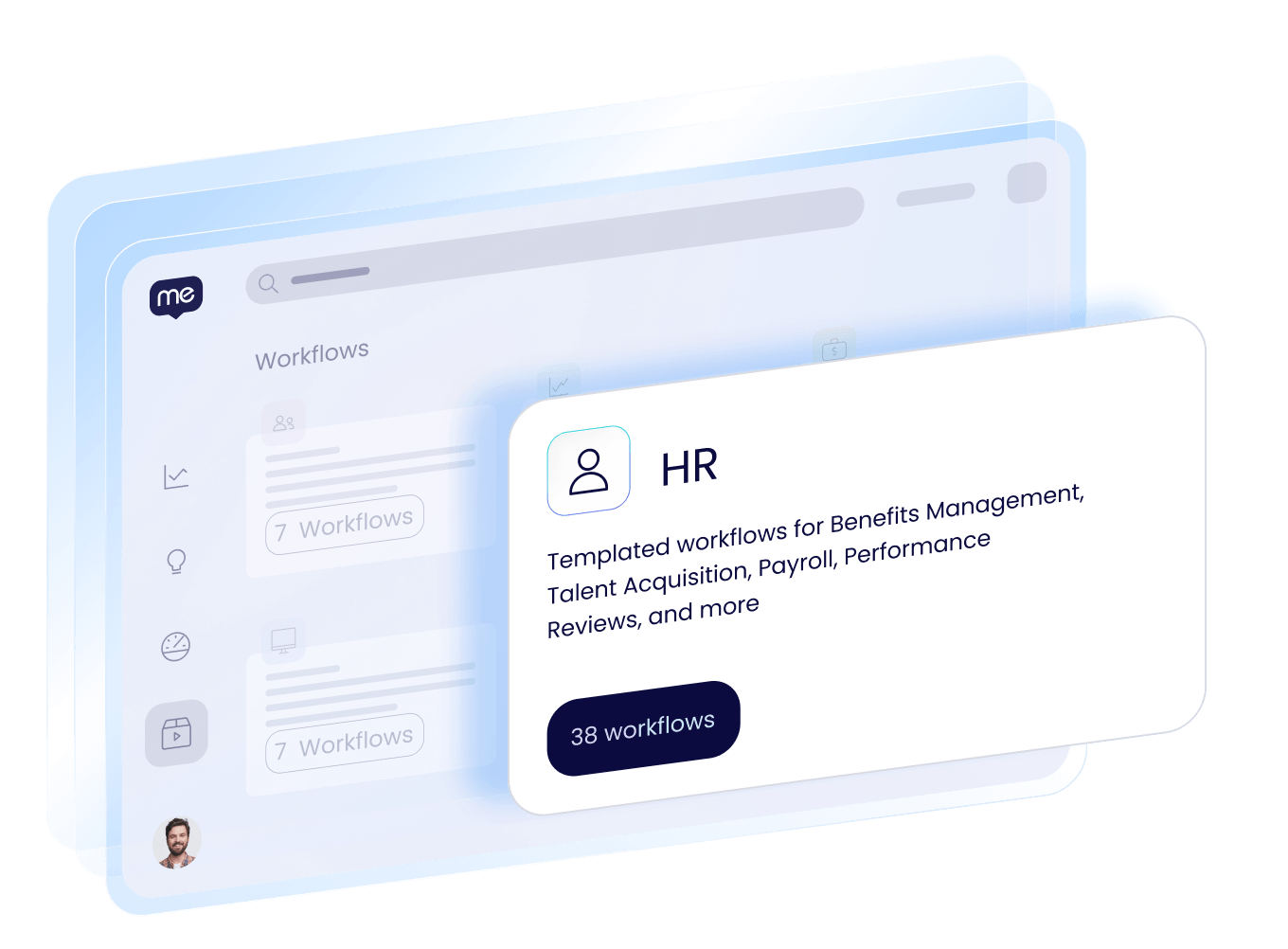
Start with pre-built templates.
Deploy ready-to-use accelerators for your most common workflows and apps, built from real-world experience across thousands of customers. Each one already knows where people tend to get stuck, with the fixes baked right in, so your workflows improve faster.
BUILDER ASSISTANCE
Maintain and optimize guidance with ease.
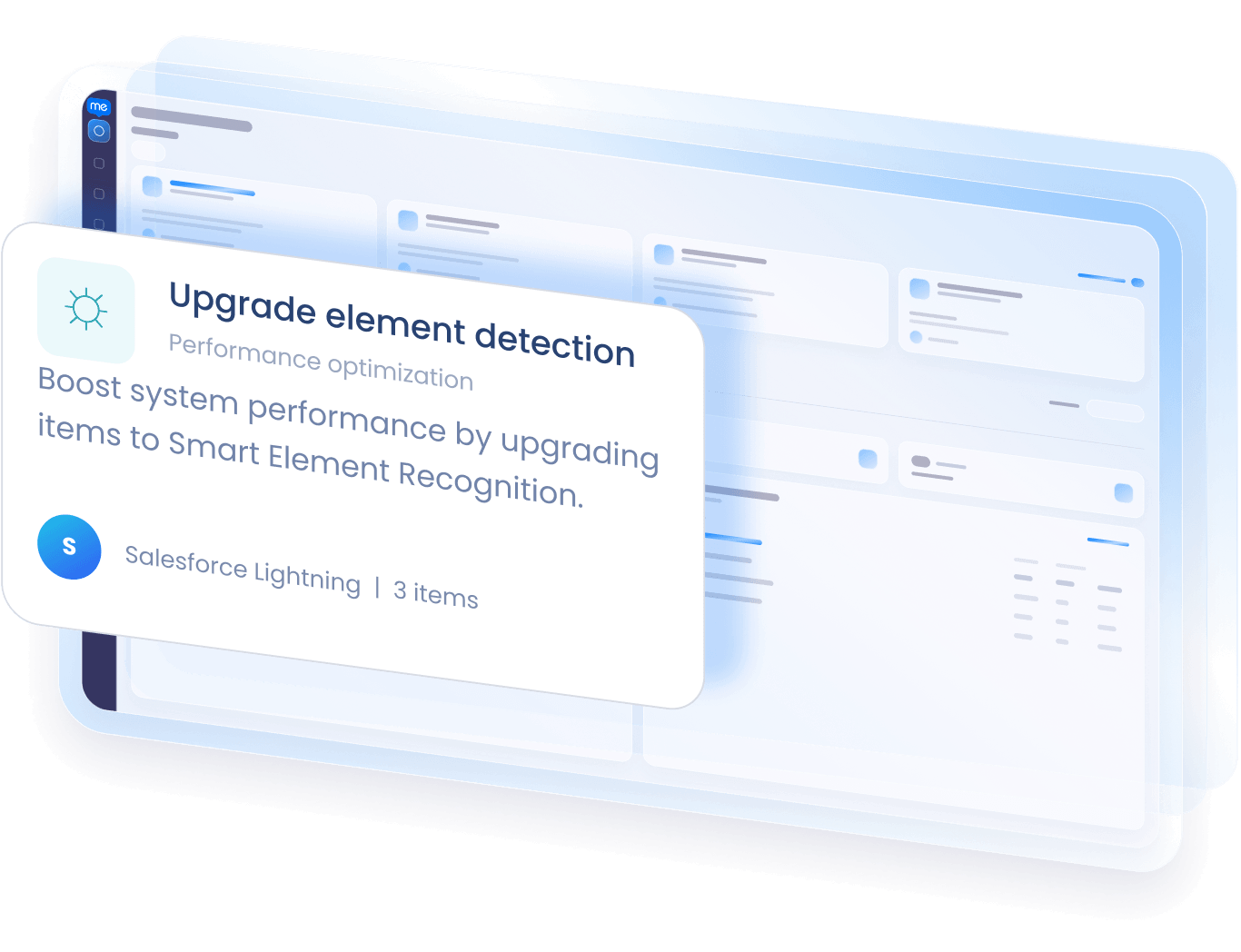
Get smart recommendations and real-time alerts the moment your guidance needs attention or could perform better. Your guidance stays accurate, and your users keep getting the experience they expect.

“Whether users want comprehensive, step-by-step guidance or simply to access tips for completing critical fields, WalkMe guides users without being intrusive or overwhelming them.”
Jerome Peytavin
Global Business Services Procurement Knowledge SME

“WalkMe allows us to implement customized guidance for users, so we can offer the enhanced employee experience that we want.”
Yudai Uraguchi
Assistant Manager, Management Information System Department
Explore more from WalkMe.

Resource
Eliminate tedious steps and enforce consistency with automation
RESOURCE
Get AI-powered help while you build, right from the Editor
Resource
Avoid starting from scratch with pre-built user workflows
Just ask, and watch guidance build itself.
See how fast your team can drive adoption.