GOVERNANCE
Shed light on shadow IT risks within your organization
Unauthorized software use is a ticking time bomb for IT compliance. Discover how you can manage shadow IT effectively and reduce security risks.
When shadow IT disrupts your organization
nauthorized software use is more than an IT headache—it’s a ticking time bomb for compliance and data security. You’re struggling with hidden risks, wasted resources, and mounting frustration that threaten your business’s core operations.

Lack of IT asset visibility
Shadow IT means you can’t see the full scope of tools being used. This blindsides IT teams, leading to inefficiencies and potential security breaches.

User confusion and frustration
Employees often resort to non-approved apps to circumvent slow processes. This creates confusion and resistance, complicating compliance and training efforts.

Escalating compliance risks
Hidden software usage escalates IT compliance risks and governance issues. This exposes your organization to financial penalties and reputational damage.
Shadow IT without the headaches
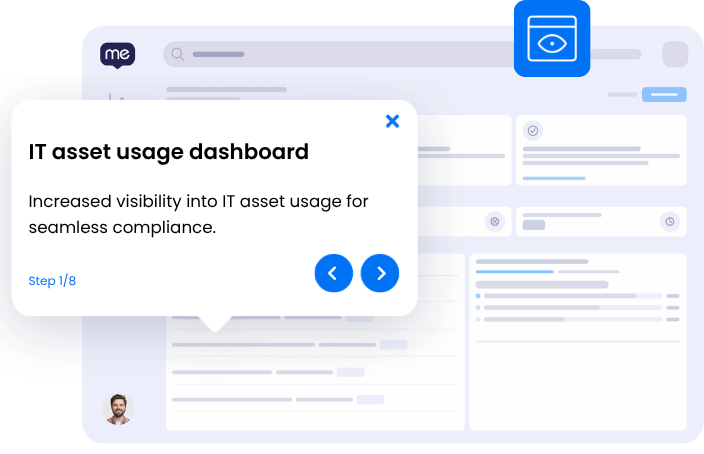
Picture a workspace where every application is secure, compliant, and known to your IT department. Employees seamlessly use approved tools without the allure of shadow IT, and visibility into IT asset usage is no longer a guessing game. Processes are faster, risks are minimized, and compliance is second nature.
- Increase IT asset visibility by 75%
- Reduce security risks and compliance violations by 60%
- Achieve 100% usage of approved software solutions
- Cut unauthorized software reporting time by 4 hours per incident
SEE
See where shadow IT workflows break down
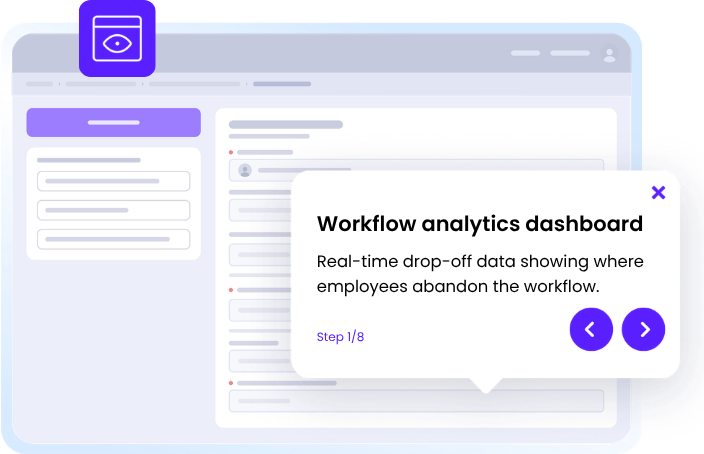
WalkMe captures screen-level context to reveal exactly where employees get stuck in managing shadow IT — no surveys, no backend APIs, real-time visibility on every step. Identify failure points such as using unauthorized software, skipping compliance checks, or bypassing IT protocols.
3x
more process gaps identified with workflow analytics
4
hours saved reporting unauthorized vendors
1,113
hours increased productivity per 10,000 users

ACT
Guide every employee through shadow IT management — step by step
Provide in-app, contextual guidance via the action bar that walks users through complex steps. Employees follow protocols correctly without needing to leave their application or recall training.
75%
reduction in email security training time
MOVE
Keep shadow IT governance moving across every application
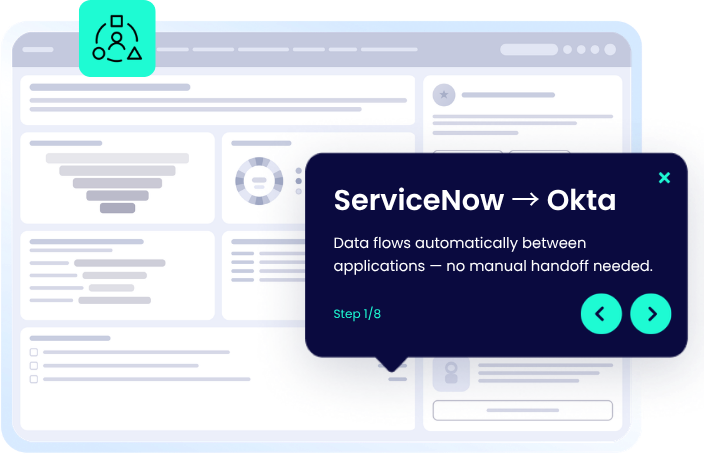
WalkMe maintains workflow continuity across app boundaries, carrying context from one application to the next. Cross-application orchestration ensures no step is lost in the gaps between tools like ServiceNow, Okta, and WalkMe Workstation.
30%
reduction in spam-related support tickets
Manage shadow IT across your applications
WalkMe deploys a single, consistent guidance layer across every application your team uses for this workflow.
-
Shadow IT in Okta
WalkMe assists in managing user access requests in Okta, ensuring only approved applications are utilized.
-
Shadow IT in DocuSign
WalkMe ensures all document signing in DocuSign is compliant, guiding users away from unauthorized e-signature tools.
-
Shadow IT in Google Drive
WalkMe intervenes in Google Drive to ensure compliance, guiding users away from unauthorized document sharing.
-
Shadow IT in Dropbox
WalkMe alerts and guides users to securely share files within Dropbox, blocking non-approved file sharing apps.
-
Shadow IT in Box
WalkMe monitors and provides step-by-step guidance for secure file sharing in Box, preventing the use of unauthorized storage solutions.
-
Shadow IT in Slack
WalkMe guides users in Slack to compliant integrations, flagging any unauthorized third-party app use.
-
Shadow IT in Sharepoint
WalkMe ensures all document uploads in Sharepoint are from authorized sources, reducing shadow IT risks.
-
Shadow IT in ServiceNow
WalkMe tracks and manages unauthorized software requests within ServiceNow, guiding users to compliant IT resources.
-
Shadow IT in Outlook
WalkMe's action bar alerts users to non-sanctioned plugins in Outlook, directing them to approved email management resources.
-
Shadow IT in Microsoft Teams
WalkMe guides users to approved communication tools, intercepting unauthorized apps in Microsoft Teams to ensure compliance.
Shadow IT capabilities
Frequently asked questions about shadow IT
Quantify your shadow IT risk reduction
Discover the time saved and compliance risks reduced by managing shadow IT effectively.

TAKE CONTROL NOW
Reduce shadow IT risks today
Save up to 113 hours per 10,000 users with WalkMe.