GOVERNANCE
Overcome IT system restoration challenges with proactive disaster recovery
Struggling with business continuity disruptions? Discover rapid recovery solutions that keep your operations running smoothly.
When disaster recovery procedures falter, chaos ensues
Without robust disaster recovery procedures, you’re left scrambling to restore IT systems and business functions after a disruption. The lack of coordination and preparedness results in wasted hours, compliance risks, and frustrated employees, all of which can severely impact your bottom line.

Delayed system restorations
IT systems take too long to recover, causing operational chaos. Processes become bogged down in manual workarounds, extending downtime significantly.

Employee confusion and stress
Complex procedures and inadequate training lead to employee frustration. The lack of clear, accessible protocols makes recovery efforts chaotic and stressful.

Escalating compliance risks
Inadequate disaster recovery exposes your business to compliance failures. The financial impact of these gaps can result in significant fines and lost revenue.
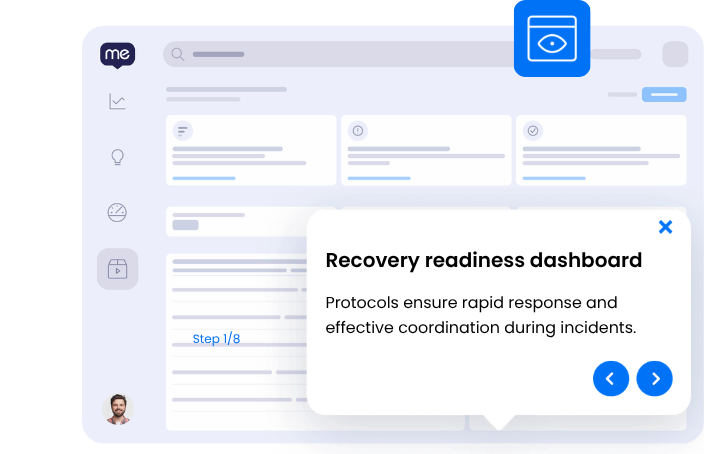
Disaster recovery procedures without the chaos
Picture a scenario where your IT systems bounce back from disruptions with speed and precision. Teams coordinate seamlessly, and disruptions are mere blips rather than full-scale crises. You have a robust strategy that keeps operations steady, minimizing impact and restoring services swiftly.
- Downtime reduced by over 50% during disruptions
- All recovery efforts coordinated within minutes
- Disaster recovery plans tested and updated quarterly
- Employee training participation rate exceeds 90%
SEE
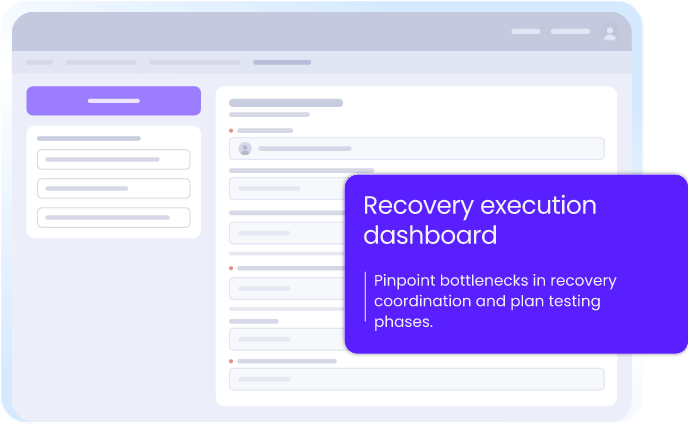
See where disaster recovery procedures workflows break down
WalkMe captures screen-level context to reveal exactly where employees get stuck in disaster recovery procedures — no surveys, no backend APIs, real-time visibility on every step. Identify challenges in coordinating recovery efforts, conducting disaster recovery plan testing, and ensuring timely IT system restoration.
3x
more process gaps identified with workflow analytics

ACT
No more guesswork: employees follow protocols automatically
WalkMe’s action bar offers in-app, contextual guidance, ensuring employees navigate disaster recovery procedures effortlessly. Avoid the stress of forgotten steps and keep operations running smoothly, even during crises.
75%
reduction in email security training time
MOVE
Keep disaster recovery procedures moving across every application
WalkMe ensures disaster recovery procedures continue seamlessly across applications like Sharepoint, Outlook, and ServiceNow. Cross-application orchestration preserves context and streamlines recovery efforts, eliminating disruptions at every handoff.
30%
reduction in spam-related support tickets
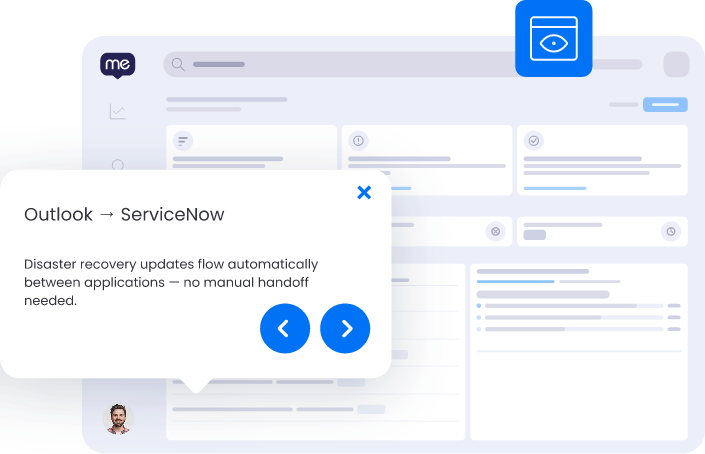
Manage disaster recovery procedures across your applications
WalkMe deploys a single, consistent guidance layer across every application your team uses for this workflow.
-
Disaster Recovery Procedures in WalkMe Workstation
WalkMe Workstation delivers on-demand guidance and automates workflows to maintain business continuity during disruptions.
-
Disaster Recovery Procedures in WalkMe
WalkMe ensures consistent training and immediate access to disaster recovery protocols through the Workstation platform.
-
Disaster Recovery Procedures in Dropbox
WalkMe guides the proper organization and access of essential recovery documents to ensure swift restoration processes.
-
Disaster Recovery Procedures in Google Drive
WalkMe helps users securely store and retrieve critical disaster recovery plans and documentation.
-
Disaster Recovery Procedures in Slack
WalkMe assists in coordinating recovery efforts by providing step-by-step guidance on setting up communication channels during a disaster.
-
Disaster Recovery Procedures in Sharepoint
WalkMe facilitates easy access to disaster recovery documents and guides users in updating recovery plans.
-
Disaster Recovery Procedures in Outlook
WalkMe ensures timely communication by guiding users in scheduling and managing disaster recovery drills and notifications.
-
Disaster Recovery Procedures in Microsoft Teams
WalkMe activates reminders for regular disaster recovery plan tests and helps coordinate recovery efforts seamlessly among team members.
-
Disaster Recovery Procedures in ServiceNow
WalkMe guides teams through the creation and updating of incident reports, ensuring compliance with disaster recovery protocols.
Disaster recovery capabilities
Frequently asked questions about disaster recovery procedures
Quantify the benefits of rapid recovery solutions
Discover the time saved and risk reduced with effective disaster recovery procedures.

SECURE YOUR FUTURE
Accelerate your disaster recovery now
Join enterprises optimizing recovery with WalkMe.