PROACTIVE AI
Deliver AI that acts before users ask.
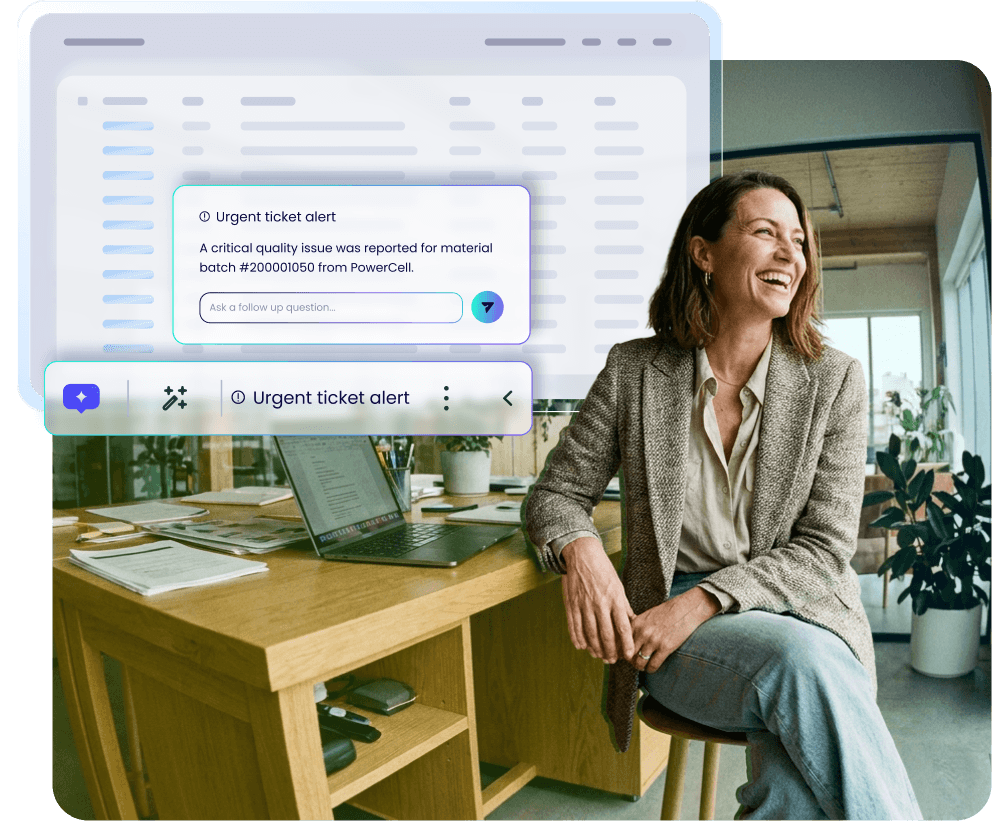
Most AI tools rely on employees finding them and knowing what to ask. Proactive AI steps in before anyone has to ask, keeping work on track.
ACTION BAR
Deploy AI that goes wherever work happens.
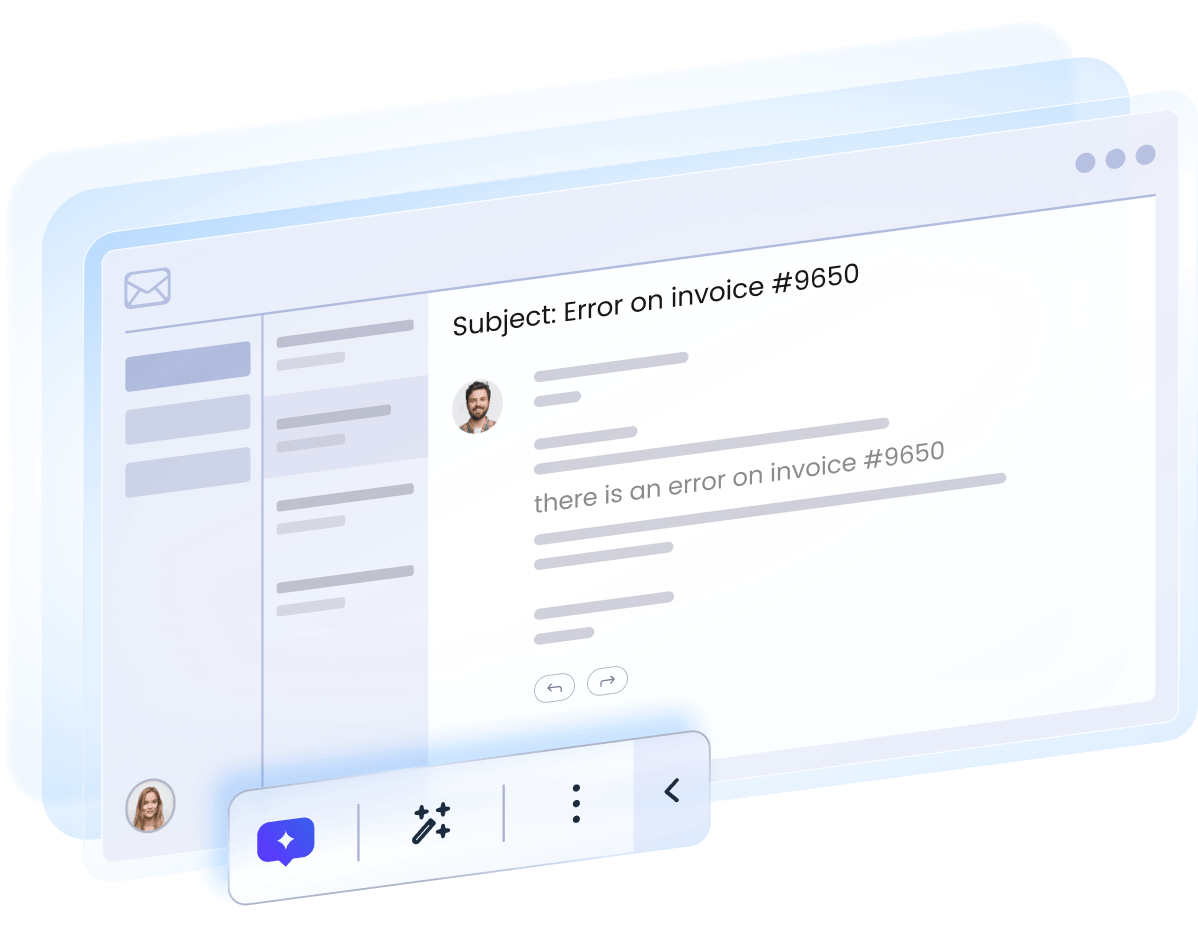
AI usually lives inside separate apps: one for the CRM, another for ticketing, a third for your ERP. The Action Bar brings it all together in one unified experience that follows you across every app, giving employees the right AI help wherever they work.
AI LAUNCHERS
Suggest the right next action. No prompting required.
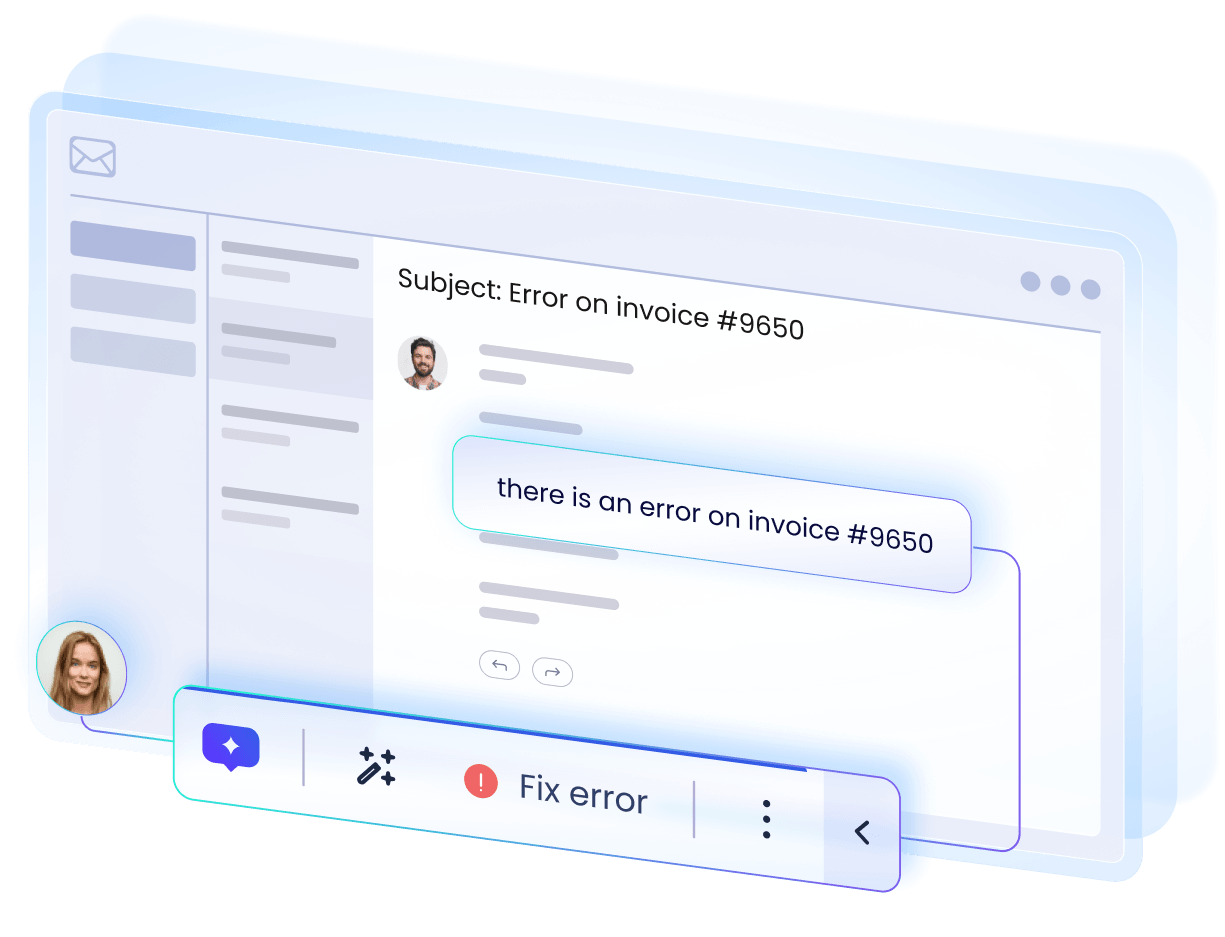
Employees need assertive and well-timed assistance. AI Launchers read the screen and your policies. Then surface the right action in the Action Bar, the instant it’s relevant, in any application, giving employees confident guidance wherever they’re working.
AI DISPLAY CONDITIONS
Decide when proactive help appears. Skip rigid rule-writing.
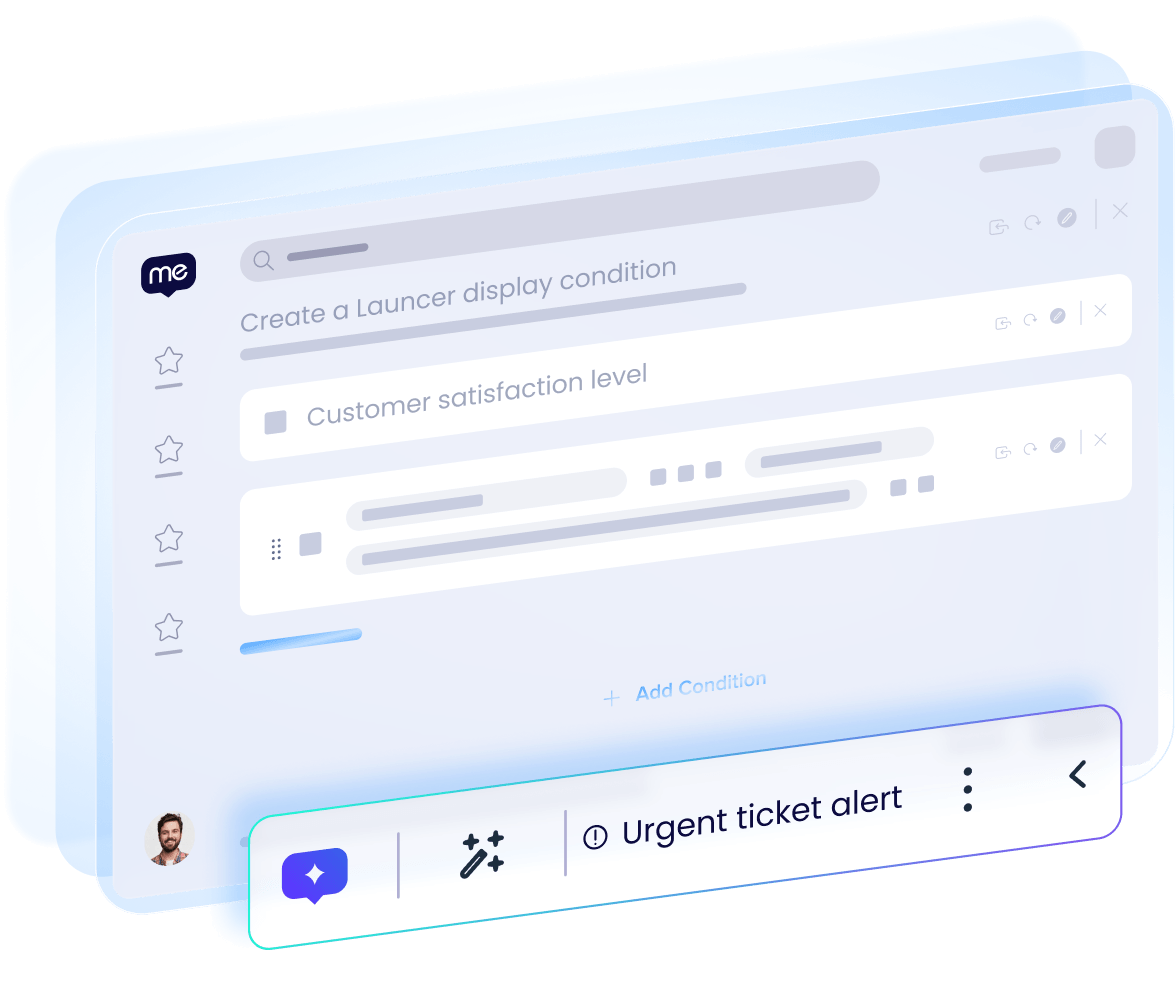
Rule-based display logic can’t account for every possible scenario on screen. AI display conditions can. Using natural language prompts, they evaluate what’s happening in real-time, then decide what to show in the Action Bar to best help the user, without the complex rules.
MEMORY
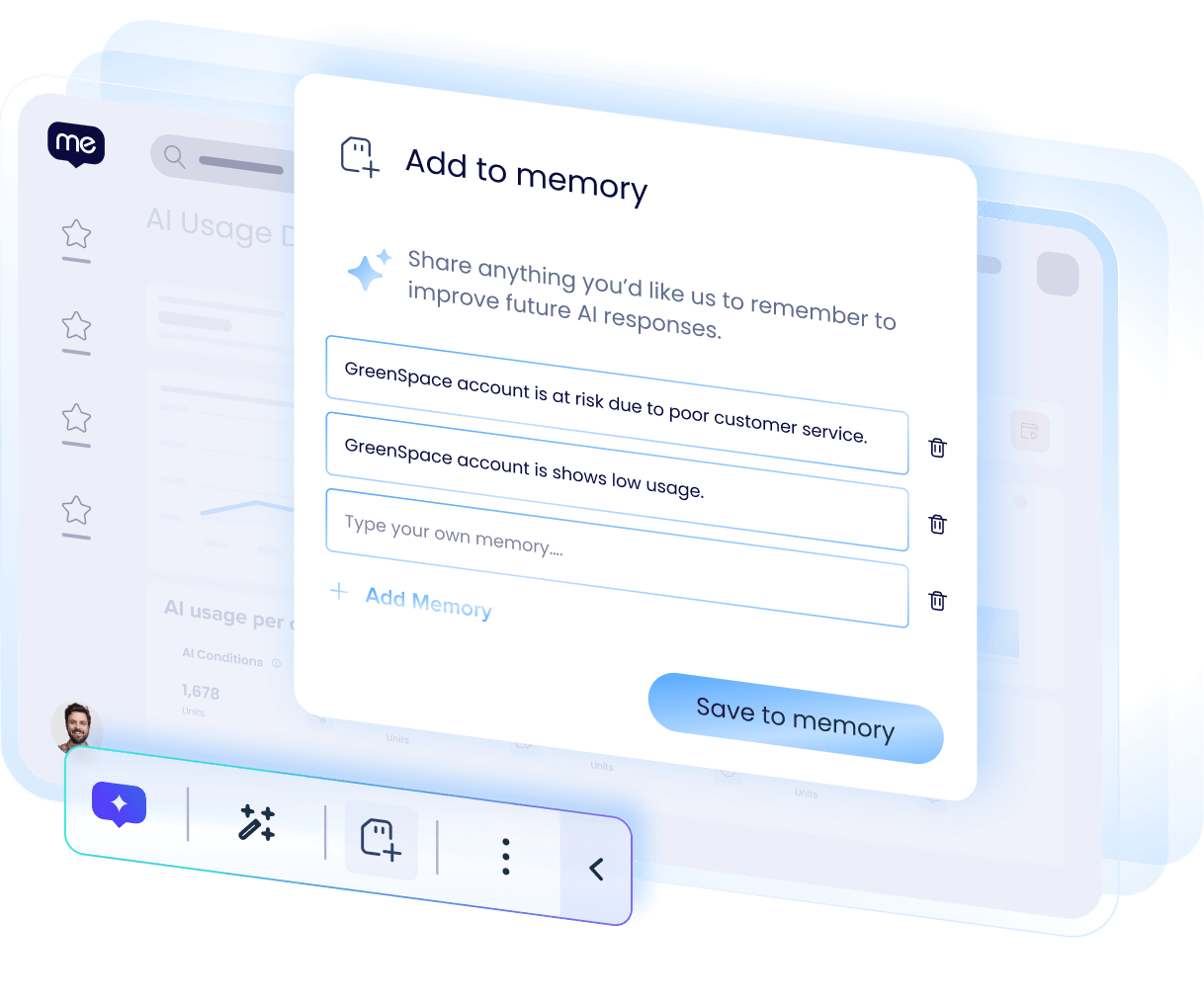
Make Memory drive action, not just responses.
AI usually remembers just enough to personalize a response inside that one tool. Memory in the Action Bar goes further: what’s saved is carried across every application and fed into AI Display Conditions and AI Launchers. So Memory shapes what AI says and does next.
WALKME AI SKILLS
Bring generative reading and writing into every app.
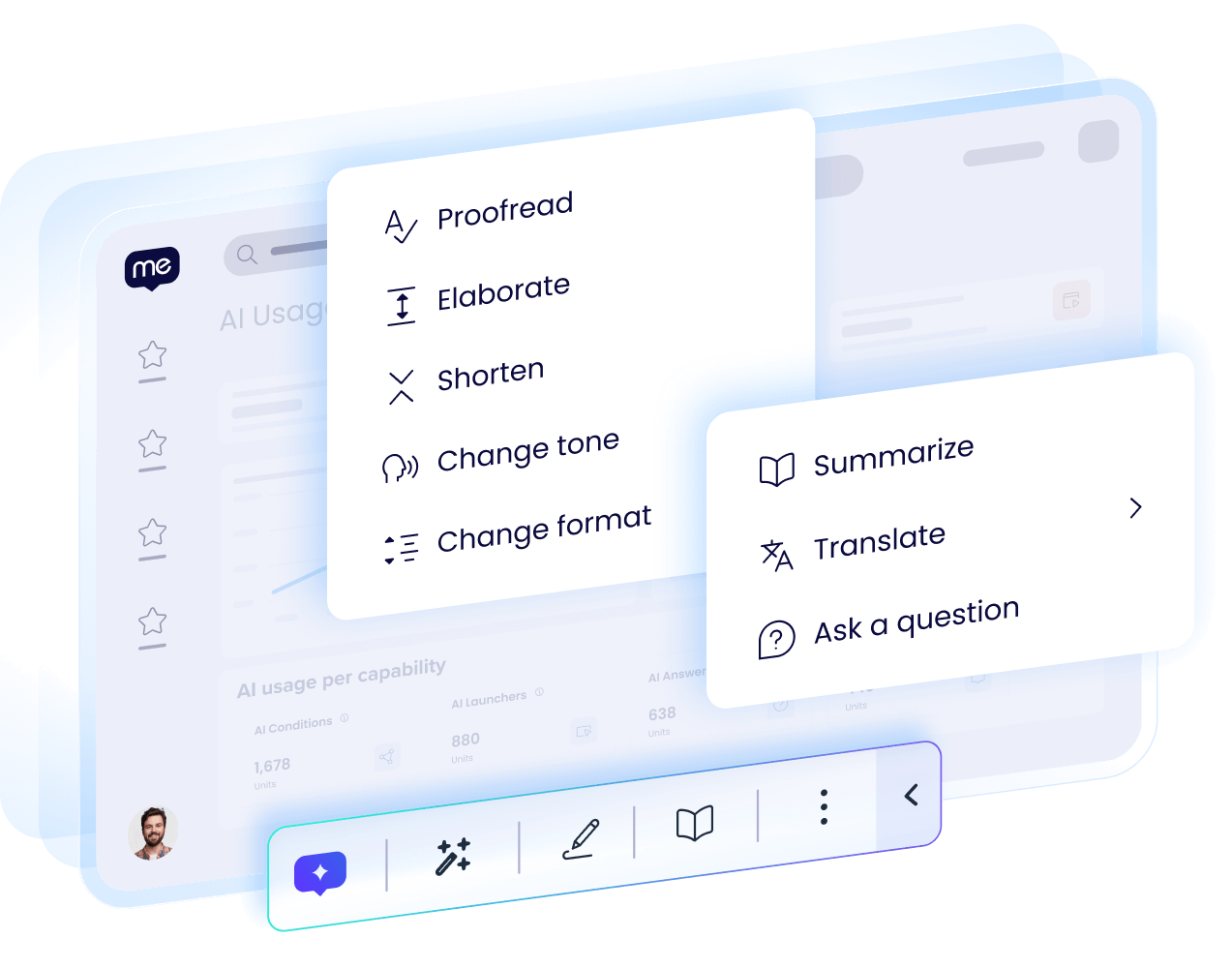
Without a built-in option, employees switch tabs to outside AI tools to proofread an email or shorten a report, losing context on the way. WalkMe’s own AI skills bring proofreading, tone changes, and translation into the Action Bar, without configuring or licensing another tool.
CUSTOM ACTIONS
Custom prompts built by your users, available everywhere.
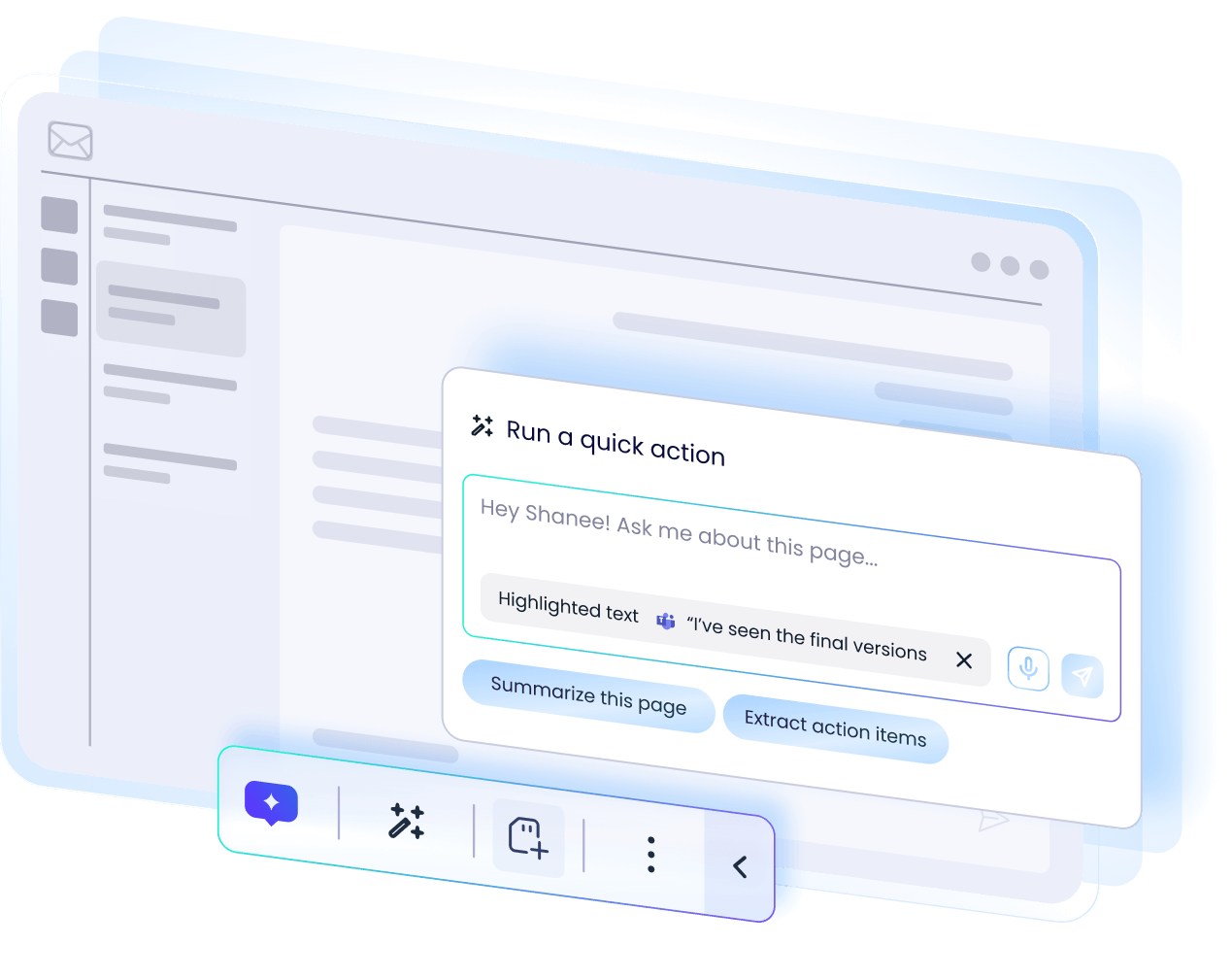
No builder can predict every prompt a user will need. The Quick Action Screen lets users write and run any prompt in the Action Bar, selecting the page, a specific field, or highlighted text as context. Saved custom actions are available across every app, never written twice.
PROACTIVE AI ANALYTICS
Track Action Bar usage all the way to outcomes.
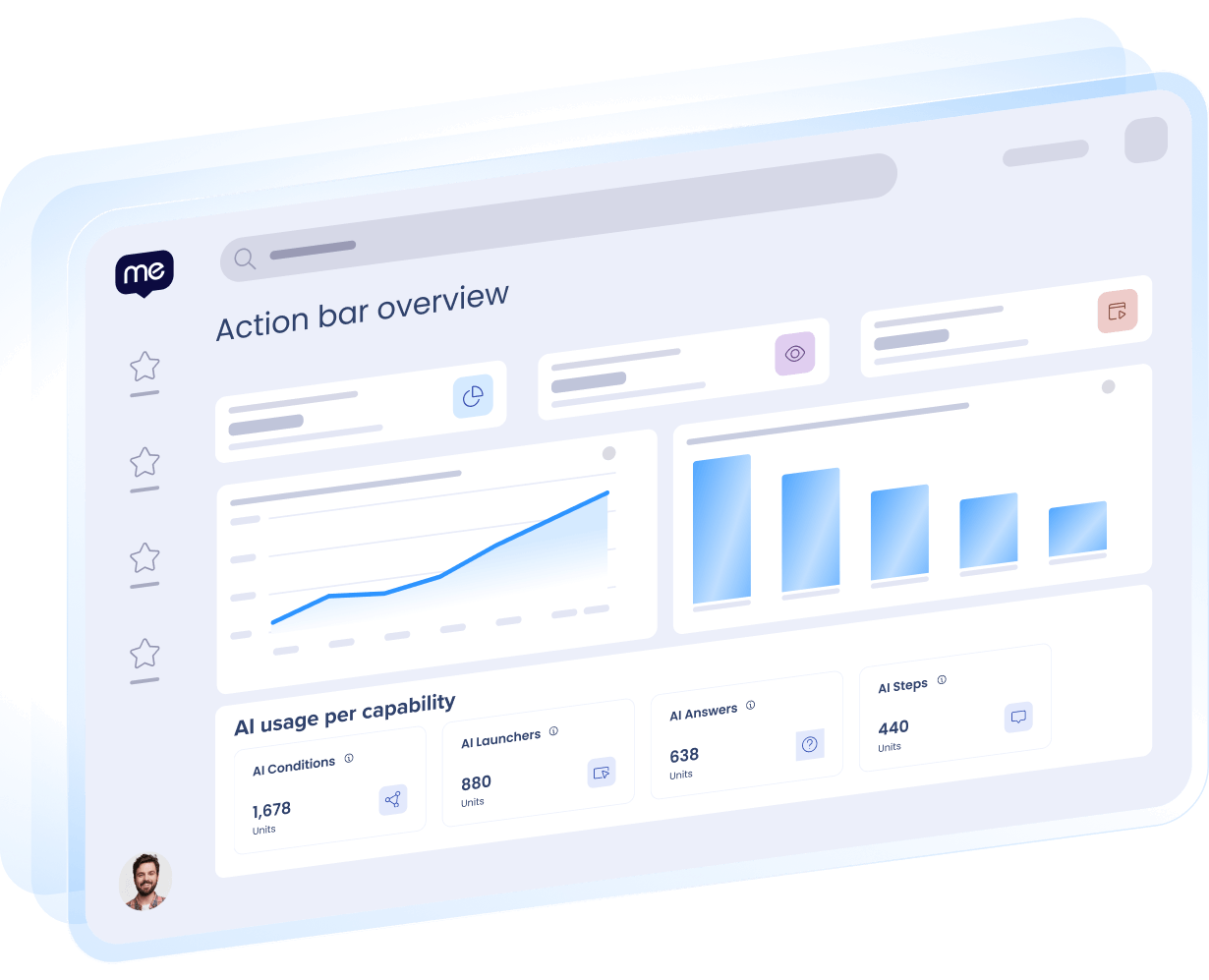
Clicks are easy to count. Outcomes aren’t. The Action Bar Dashboard tracks usage across your entire organization and shows whether interactions produced a result. Drill into Action Bar adoption and performance, by system and over time, so you know where to act next.
AI investment is scaling.
Successful outcomes aren’t.
77%
of leaders say adoption, not tools, is their primary AI challenge.
59%
of employees navigate 6 to 15 applications daily, yet most AI tools are locked to a single app.
Source: Gartner GenAI Survey 2025, n=360
45%
of AI value goes uncaptured, stranded between investment and outcome.

“WalkMe’s Contextual AI, including the Action Bar, turned a manual, complex HR process into a seamless one. We’re able to parse data from one system and populate it correctly in another, saving time, preventing downstream rework, and improving operational efficiency. We’re excited about where WalkMe’s AI capabilities can take us next.”
Nick Stauffer
Director of Organizational Development & Marketing, MacLean-Fogg

“Generative AI has immense potential, but only if everyone is using it, in the right ways. WalkMe is being leveraged to support our Generative AI strategy at KPMG in the US. WalkMe’s ability to use context to serve up Generative AI capabilities to our employees can accelerate the value we get from these tools.”
Aaron Purcell
Managing Director and Innovation Leader, KPMG in the US
Explore more from WalkMe.
E-BOOK
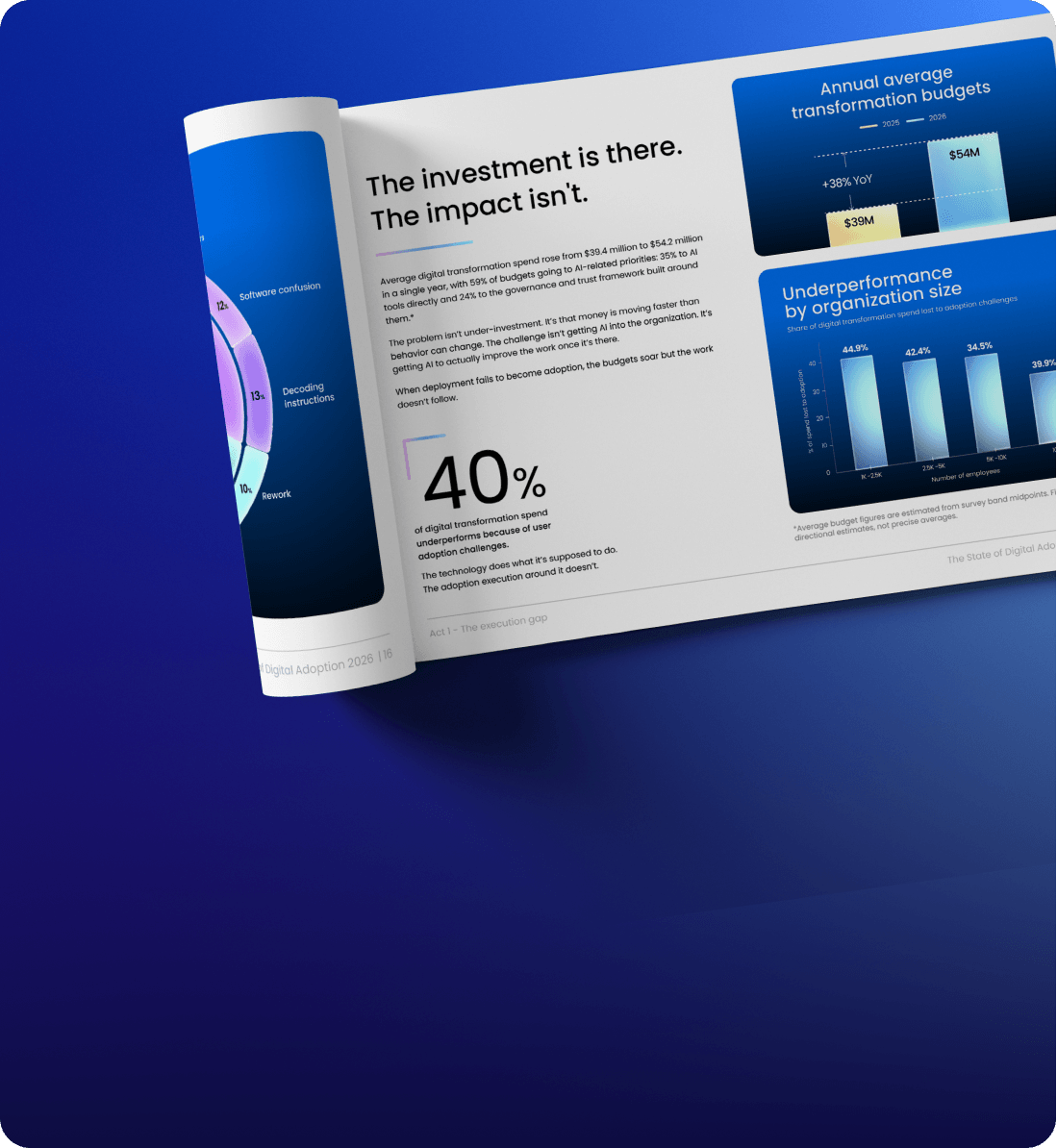
The State of Digital Adoption 2026: The AI Reality Check
BROCHURE
Contextual AI Assistance Suite
E-BOOK
AI Adoption for Dummies
The right action, before anyone has to ask.
See it running in your workflows.