PINNED AI
Put AI exactly where employees need it.
Process errors grow in silence: an incorrect field, a failed requirement, a step skipped under pressure. Catch them the moment they start, right where the work happens, so they never surface downstream as rework, rejections, or compliance gaps.
AI SMARTTIPS
Catch mistakes before they compound.
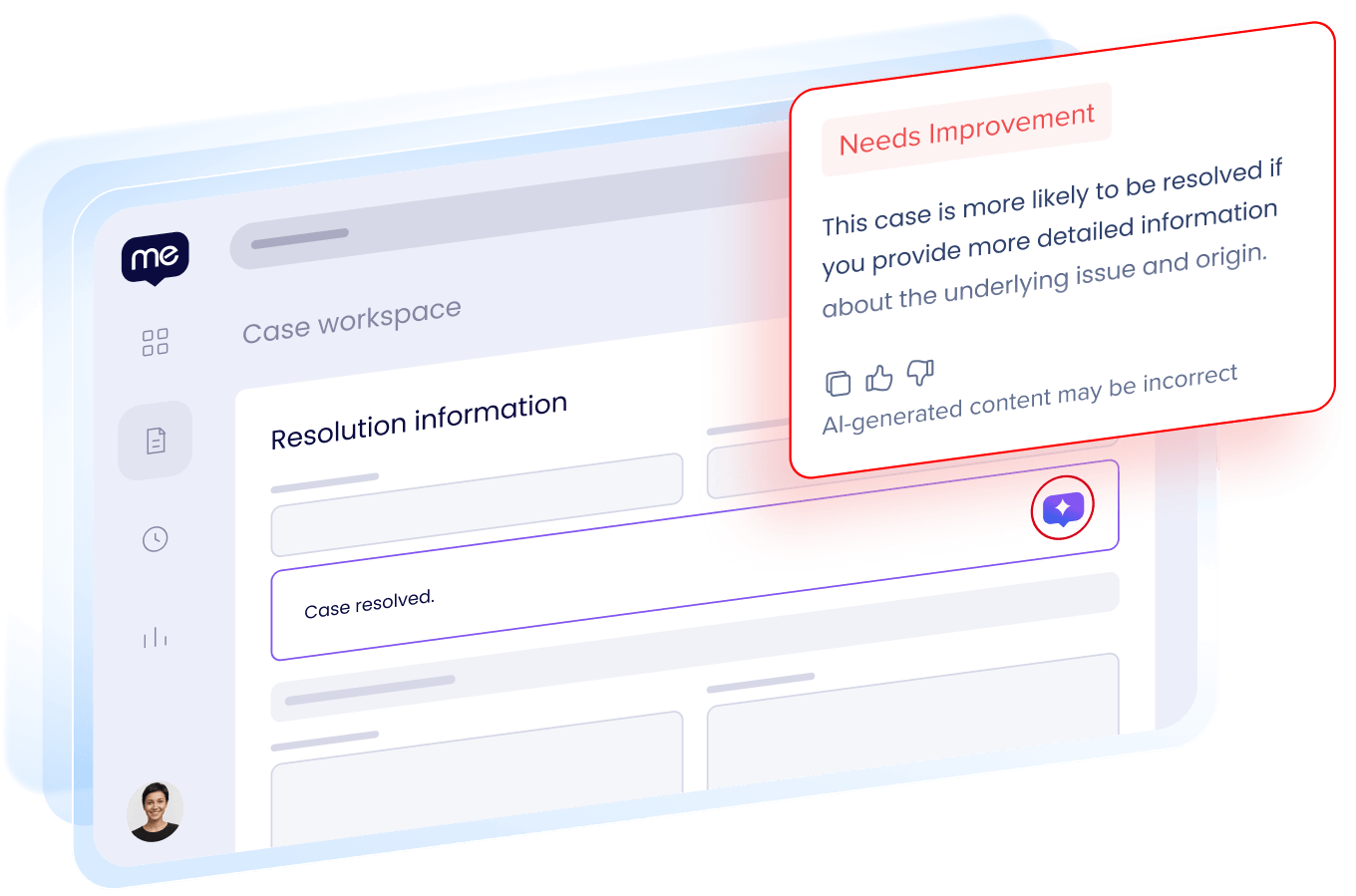
Free-text is where process discipline breaks down: users type what they know, miss a requirement, and submit. AI SmartTips validate entries against your criteria and policies, flag gaps, and suggest a fix. Catch the problem before submission, and skip the review cycle.
SMART HIGHLIGHTS
Full context without switching tabs.
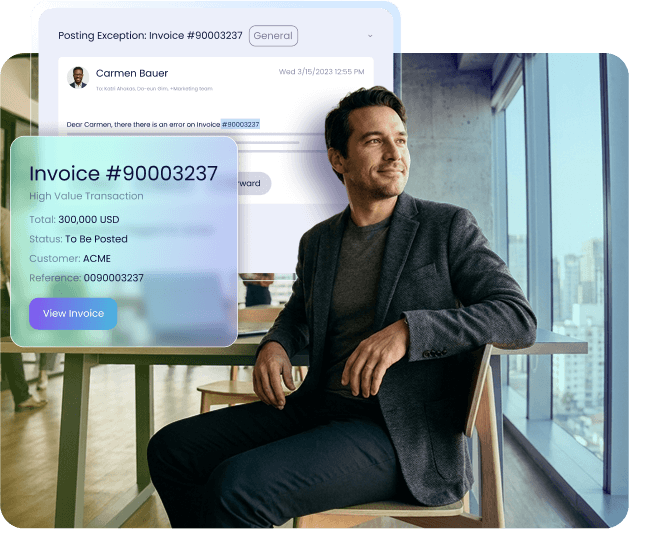
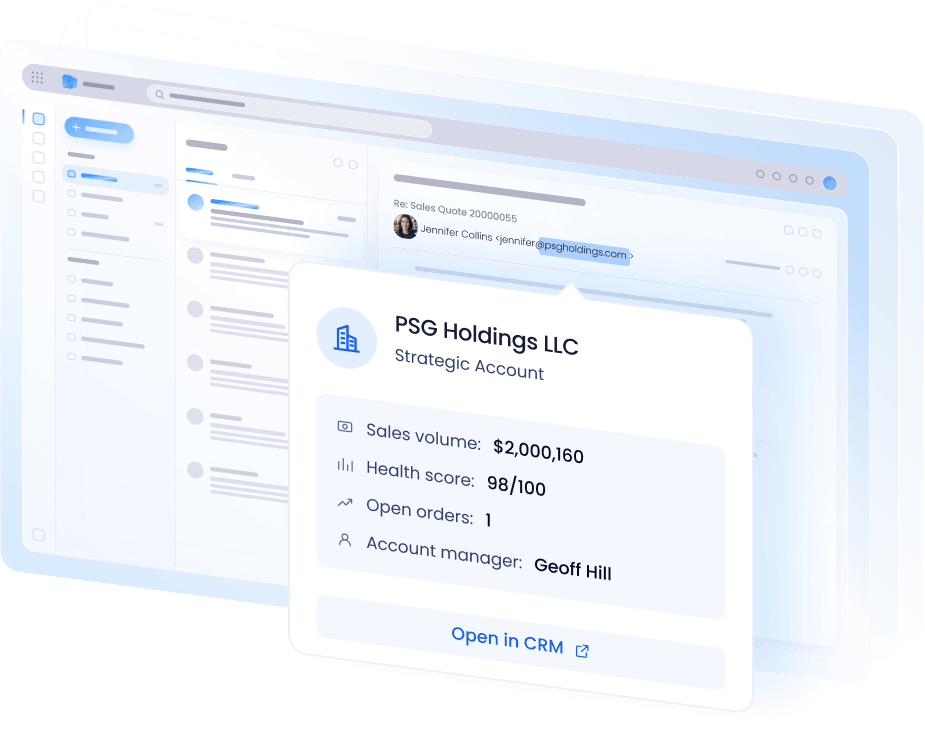
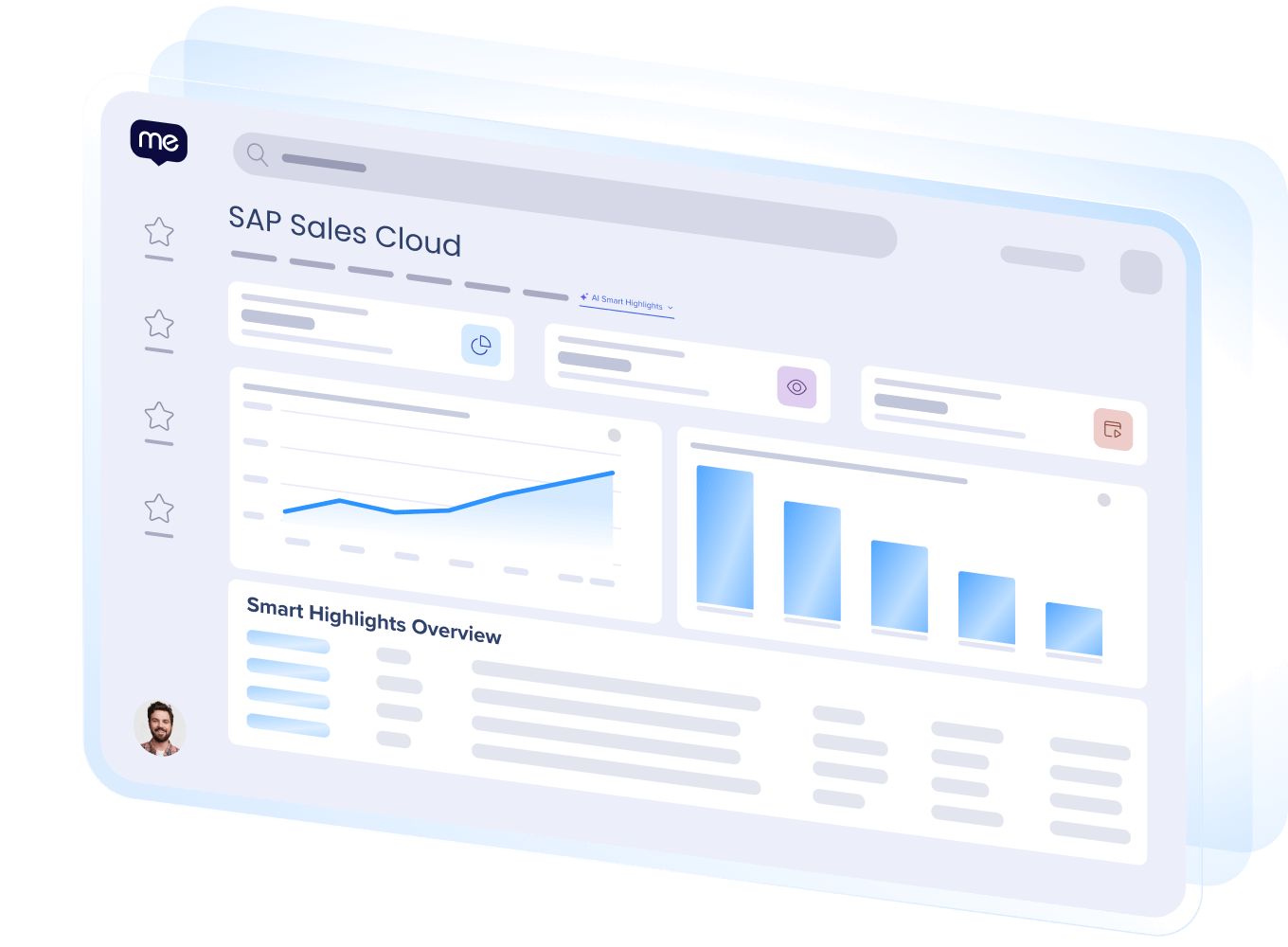
Important context often sits in another tab, so people either go find it or skip it. Smart Highlights bring that information straight into view, so nothing gets missed and no one has to decide without the full picture.
AI LAUNCHERS
Trigger AI at the right moment. No user prompting required.
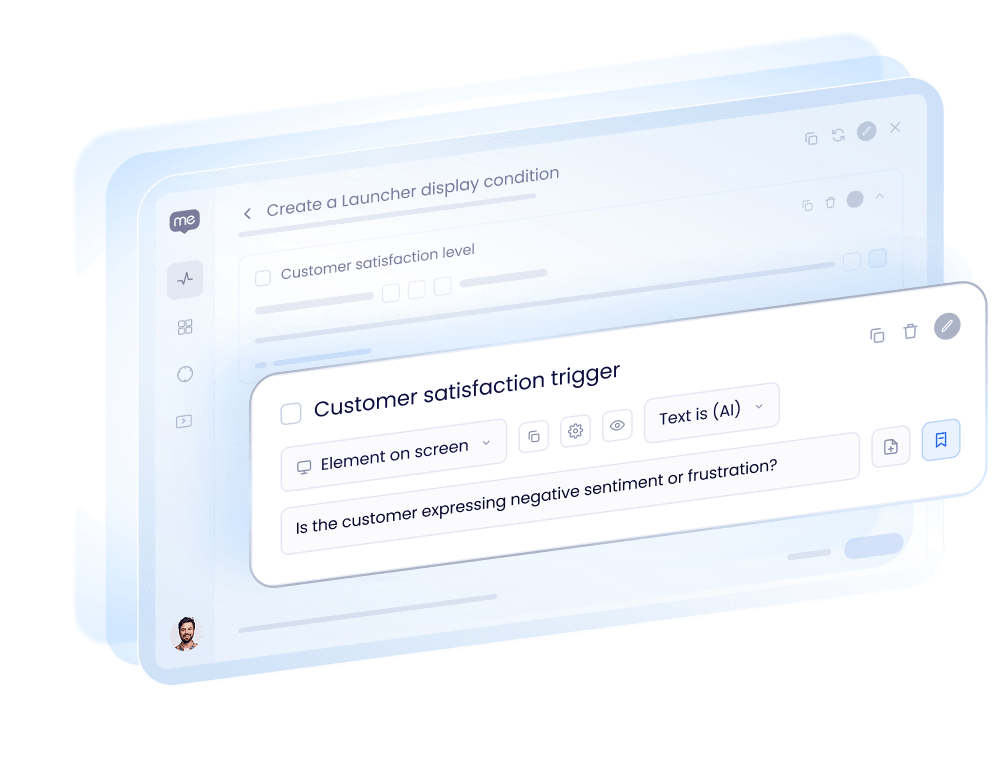
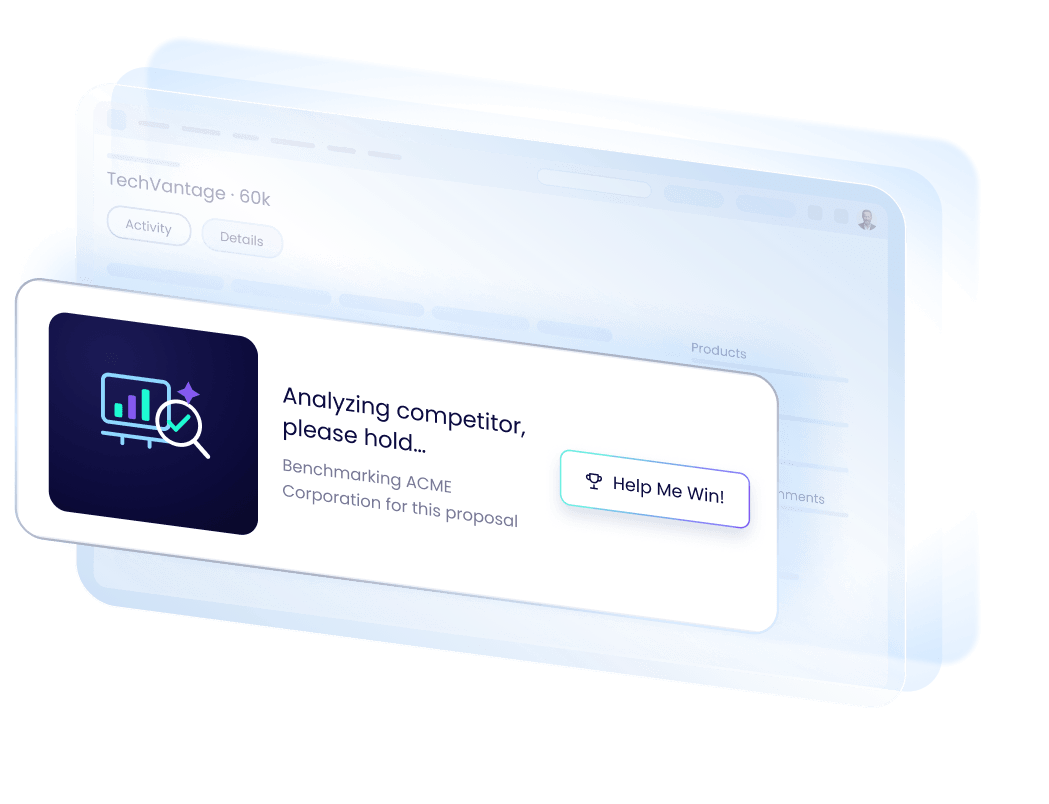
AI only works if it’s already where your team works. AI Launchers read the screen and your policies, then produce guidance right when it’s needed. Decide when they fire in plain language, no complex rules needed. Employees stay compliant, without memorizing every policy.
AI STEPS IN SMART WALK-THRUS
Guarantee AI acts the instant it’s needed.
A regular step in a Smart Walk-Thru advances on a click or a text entry, without evaluating context. An AI Step draws on the screen, your knowledge sources, and everything that’s happened so far in that Smart Walk-Thru, so help shows up the instant it’s needed. No prompt to remember, no AI to go find.
KNOWLEDGE SOURCE REFERENCING
Ground every Pinned AI experience in your knowledge.
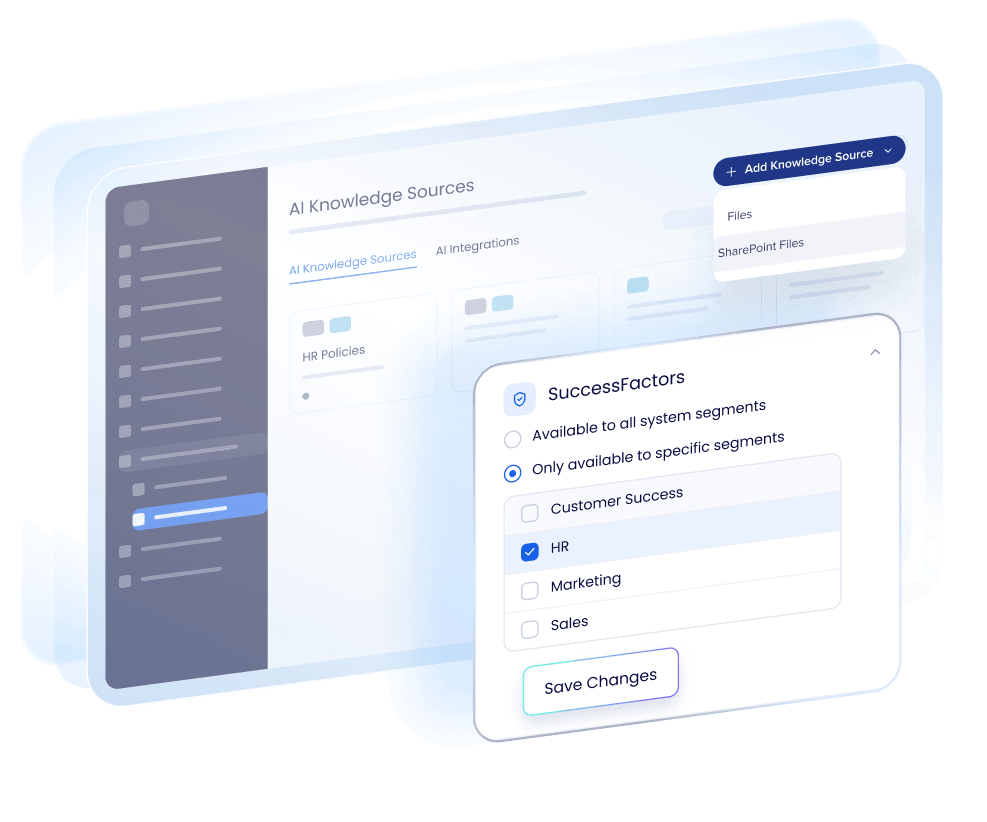
Generic AI only knows general best practices. Knowledge Source Referencing links it to your policies and SOPs, so AI SmartTips and AI Launchers always match what’s approved. Update the source once, and it’s current everywhere, with nothing left outdated.
PINNED AI ANALYTICS
Watch what’s landing. Know where to act next.
Building Pinned AI experiences is one thing. Knowing they’re working is another. WalkMe analytics show adoption across your organization. Drill deeper with dedicated views for AI SmartTips, Smart Highlights, and more, each built around relevant metrics, so you know exactly what to prioritize.
AI belongs in the flow of work.
Most applications don’t put it there.
37%
of workers skip AI entirely because it breaks their workflow.
20%
of organizations provide role-based AI guidance.
Source: Gartner GenAI Survey 2025, n=360
3.69 hrs
lost per worker per week to confusion, unclear instructions, and not knowing what to do next.

“In just the last few months, we have been able to take 6 or 7 workflows and reduce them from 23 or 16 clicks to 4 or 3, and the impact on productivity, minimizing errors, and consultant happiness has been remarkable.”

Marieke Tucker
Global Operations Leader
“With WalkMe, we can now see where people are getting stuck in a process and fix it fast. It makes everything feel more connected and intentional.”

Dario Spina
Senior GTM Strategy Analyst,

“Each digital rollout can be assessed with WalkMe Insights, so we can understand the rate of progress and what additional support is needed.”
Shawn Nautel
Digital CX – Sales/Service Leader
Explore more from WalkMe.
ON-DEMAND WEBINAR
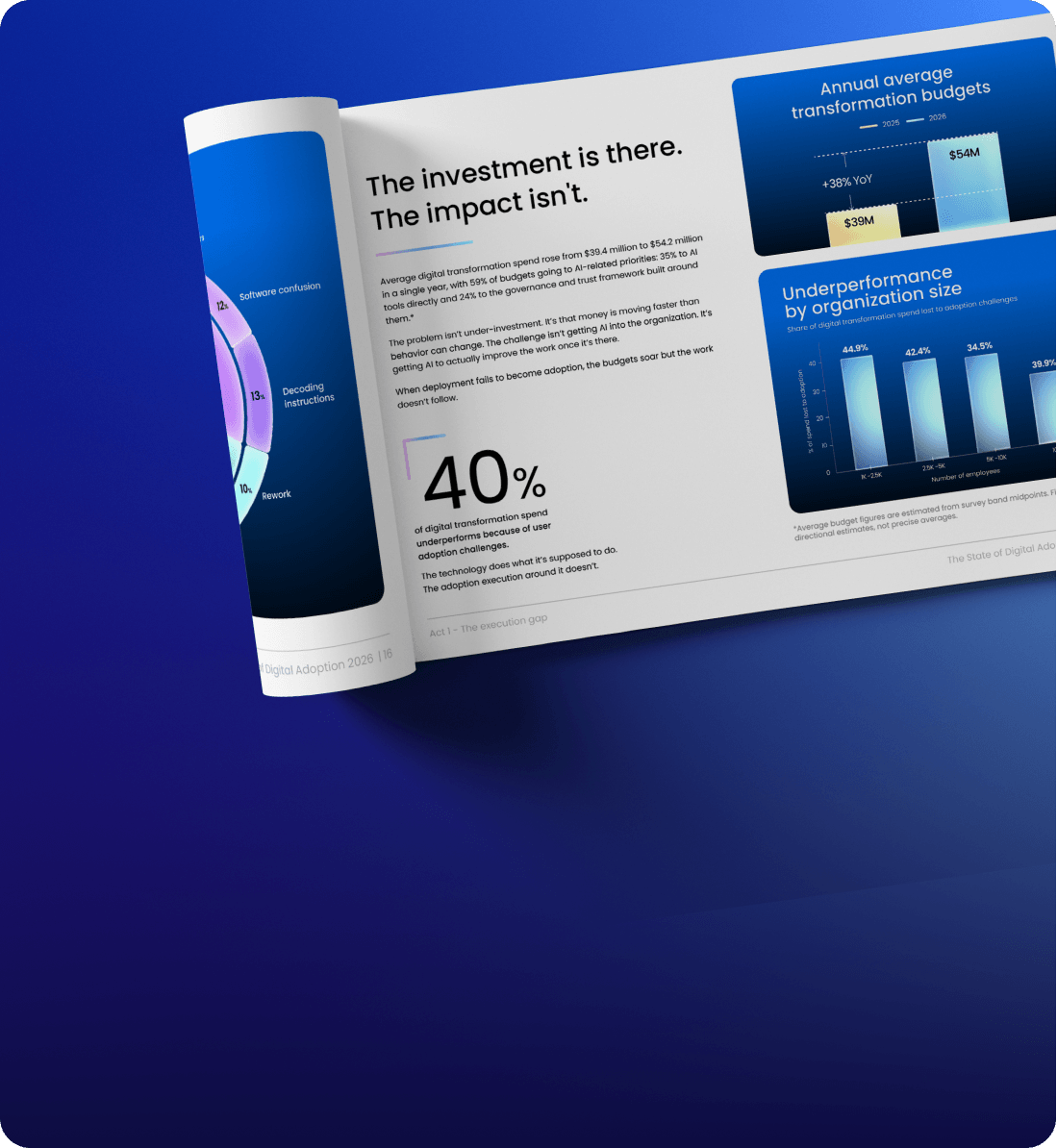
State of Digital Adoption 2026
BROCHURE
Contextual AI Assistance Suite
E-BOOK
AI Adoption for Dummies
Most AI waits to be found. Pinned AI is already there.
See it running in your workflows.