IT TRAINING
Struggling to keep IT skills up to date in your teams?
Rapid technology changes leave skills outdated fast. Discover how to bridge the technology skills gap and enhance IT team competencies seamlessly.
When IT training and development falters, everyone feels the impact
You know the struggle of keeping up with rapid technology changes while trying to ensure your team is equipped to handle new IT systems. It’s a constant battle against identifying skills gaps, fitting training into tight schedules, and measuring the effectiveness of your IT training programs.

Slow adoption of new tools
Implementing new IT systems drags on longer than expected. The lack of immediate understanding leads to delays and inefficiencies in your processes.

Employee frustration with training
Your team feels overwhelmed and resistant to learning new technologies. Without engaging IT skills training programs, enthusiasm wanes and confusion grows.

Escalating training costs
Budget constraints tighten as traditional training methods prove costly and inefficient. The financial strain makes it challenging to invest in comprehensive enterprise IT training solutions.
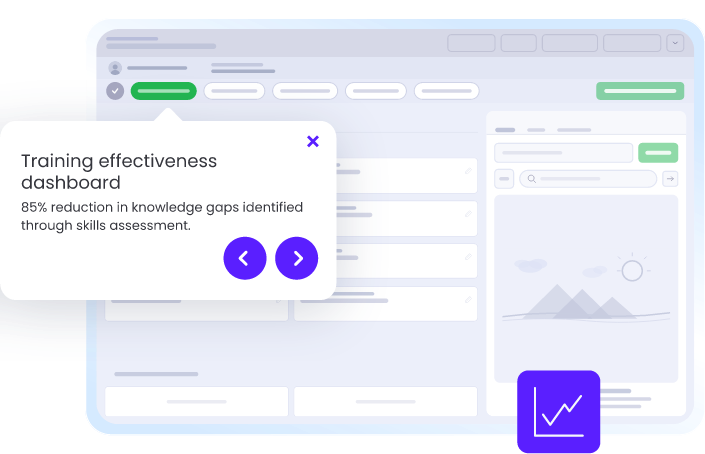
What IT training and development looks like when it actually works
Picture an IT team that’s always a step ahead of technological change, equipped with the skills to tackle any challenge. Processes are smoother, errors are minimized, and employees feel confident in their abilities to support the organization’s goals.
- IT skills gap reduced by 40% within six months
- Training program completion rates exceed 90%
- Employee productivity increases by 25% through skill enhancements
- Training costs cut by 30% while maintaining quality outcomes
SEE
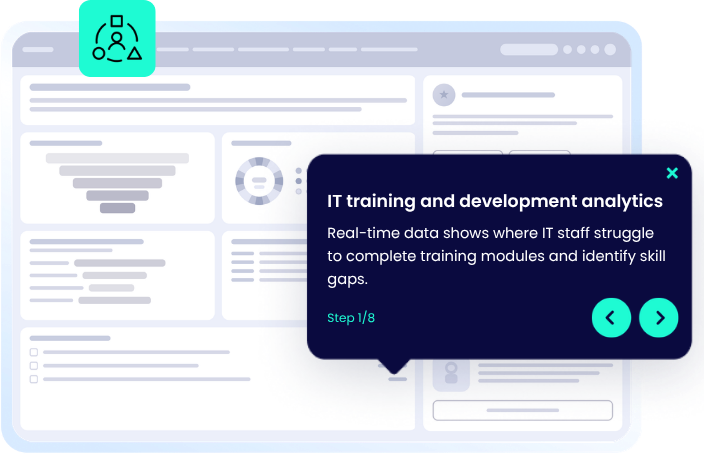
See where IT training and development workflows break down
WalkMe captures screen-level context to reveal exactly where IT staff encounter roadblocks in training workflows — no surveys, no backend APIs. Real-time visibility on every step highlights issues like identifying skills gaps, completing IT skills training programs, and integrating IT training into work schedules.
3x
more process gaps identified with workflow analytics

ACT
No more guesswork: employees follow IT protocols automatically
Experience seamless IT skills training with the action bar delivering real-time, step-by-step guidance. Eliminate confusion and ensure your team executes tasks without leaving their workflow or relying on memory.
75%
reduction in email security training time
MOVE
Keep IT training and development flowing seamlessly across every application
Cross-application orchestration ensures your IT training programs are consistent and effective, regardless of the tools involved. WalkMe bridges platforms like SAP Solution Manager, Microsoft Teams, and Slack, so your IT staff can move through training without losing context or momentum.
30%
reduction in spam-related support tickets
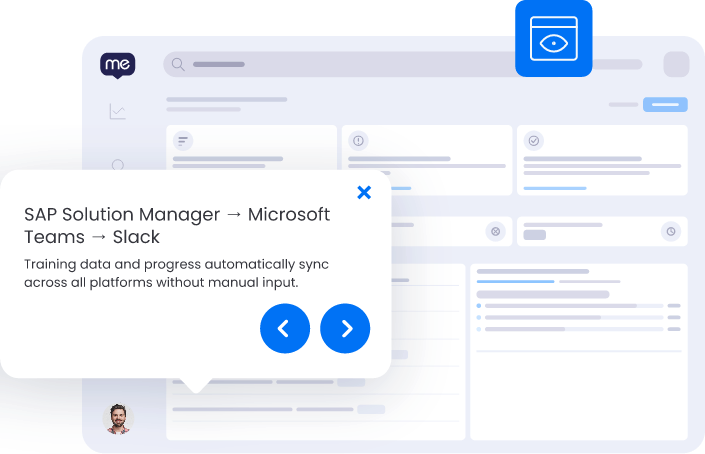
Manage IT training and development across your applications
WalkMe deploys a single, consistent guidance layer across every application your team uses for this workflow.
-
IT Training and Development in Box
WalkMe facilitates IT training by guiding users through Box's file management features, optimizing document sharing and storage.
-
IT Training and Development in Slack
WalkMe guides IT staff in Zendesk, ensuring they can efficiently handle support tickets while learning system functionalities.
-
IT Training and Development in Google Drive
With WalkMe, IT staff learn to manage and organize files in Google Drive, streamlining training materials access and collaboration.
-
IT Training and Development in Jira
WalkMe's action bar offers guidance on navigating Jira's project management features, enhancing workflow efficiency during training.
-
IT Training and Development in Microsoft 365 Copilot
WalkMe provides in-app support to maximize the use of Microsoft 365 tools, improving productivity and skill application in real-time.
-
IT Training and Development in Microsoft Teams
WalkMe guides users through Microsoft Teams, ensuring seamless integration of training activities within communication channels.
-
IT Training and Development in ServiceNow
In ServiceNow, WalkMe identifies where users struggle in workflows, providing real-time assistance and training on IT service management tasks.
-
IT Training and Development in Salesforce Lightning
Step-by-step guidance in Salesforce helps users effectively manage customer data and leverage CRM tools within training modules.
-
IT Training and Development in SAP OnDemand
WalkMe's action bar activates to guide IT staff through complex SAP processes, ensuring they understand each step and complete tasks correctly.
IT training and development capabilities
Frequently asked questions about IT training and development
Measure your IT training efficiency boost
Discover how much time and productivity you can gain by optimizing IT skills training programs.

BOOST IT SKILLS
Transform your IT training today
Join enterprises optimizing IT training with WalkMe.