SECURITY & COMPLIANCE
Struggling with endpoint security challenges in a BYOD world?
Endpoints are vulnerable and diverse, making protection complex. Discover how to secure all devices with a unified endpoint security strategy.
When endpoint security fails, chaos ensues
In a BYOD environment, securing endpoint devices feels like an endless battle. You’re facing a proliferation of diverse devices and inconsistent security policy application. These gaps leave your organization exposed to advanced threats, risking data breaches and operational disruptions.

Device diversity chaos
Managing a mix of operating systems and devices is a logistical nightmare. Endpoint protection and response processes fall apart without standardized security practices.

Employee frustration skyrockets
Complex security protocols lead to resistance and confusion. The burden of constant training and policy updates wears down your workforce.

Escalating security costs
Inconsistent endpoint security strategies drain resources and inflate costs. Missed threats and compliance failures can hit your bottom line hard.
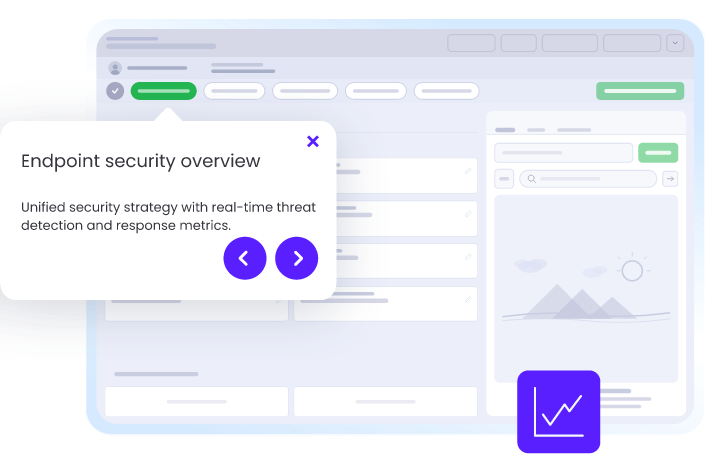
See where endpoint protection and response workflows break down
WalkMe captures screen-level context to reveal exactly where employees get stuck in endpoint protection and response workflows — no surveys, no backend APIs, just real-time visibility. Identify failure points like configuring security policies, applying updates across diverse devices, or reporting potential threats.
- Reduce malware infection rates by 30%
- Achieve 95% compliance in security configurations across devices
- Decrease incident response time from hours to minutes
- Maintain 100% visibility of endpoint devices across the organization
SEE
See where endpoint protection and response workflows break down
WalkMe captures screen-level context to reveal exactly where employees get stuck in endpoint protection and response workflows — no surveys, no backend APIs, just real-time visibility. Identify failure points like configuring security policies, applying updates across diverse devices, or reporting potential threats.
3x
more process gaps identified with workflow analytics

ACT
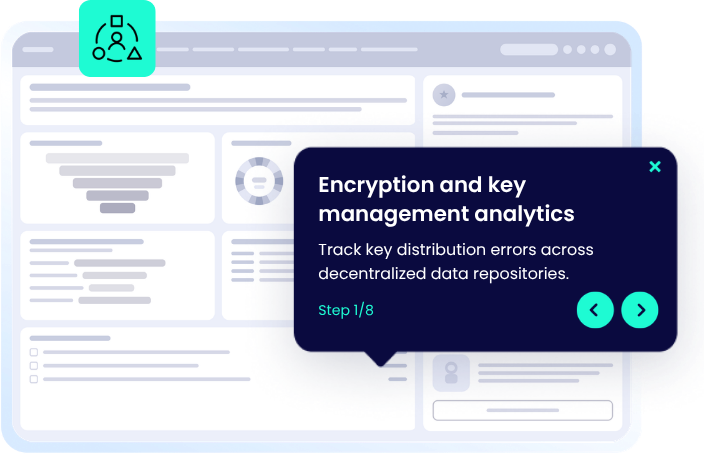
Guide every employee through endpoint security tasks — step by step
Deliver in-app, contextual guidance using the action bar to guide users through endpoint security configurations. With WalkMe, employees follow security protocols seamlessly without leaving their workflow or struggling to remember training.
75%
reduction in email security training time
MOVE
Keep endpoint protection and response seamless across every application
Cross-application orchestration by WalkMe ensures your endpoint protection and response workflow doesn’t miss a beat. It seamlessly connects applications like Appian, Archer, and ServiceNow, maintaining context and continuity as threats are detected and addressed.
30%
reduction in spam-related support tickets
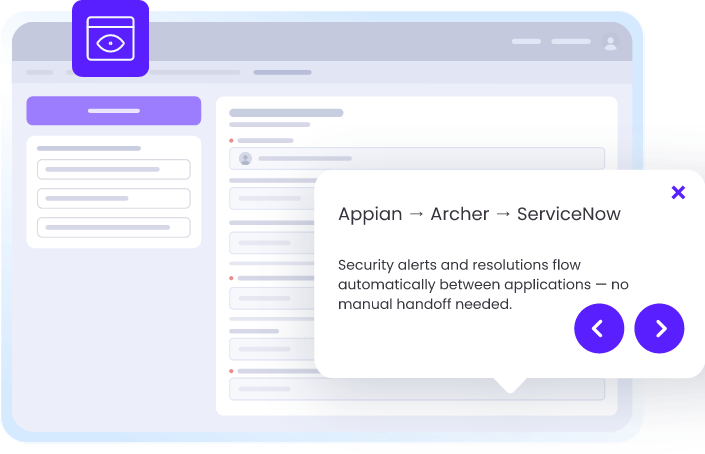
Manage endpoint protection and response across your applications
WalkMe deploys a single, consistent guidance layer across every application your team uses for this workflow.
-
Endpoint Protection and Response in WalkMe Workstation
WalkMe Workstation orchestrates endpoint protection strategies, offering guided assistance and automated responses.
-
Endpoint Protection and Response in DocuSign
WalkMe guides users to verify endpoint security before signing sensitive documents in DocuSign.
-
Endpoint Protection and Response in Slack
WalkMe directs users through endpoint security checks within Slack channels to ensure safe communication.
-
Endpoint Protection and Response in Dropbox
WalkMe provides real-time guidance on securing shared files in Dropbox, preventing unauthorized access from endpoints.
-
Endpoint Protection and Response in Google Drive
WalkMe automates file protection processes in Google Drive, enhancing endpoint security through guided workflows.
-
Endpoint Protection and Response in Sharepoint
WalkMe ensures consistent application of endpoint security policies when sharing sensitive documents in Sharepoint.
-
Endpoint Protection and Response in Okta
WalkMe enforces security protocol adherence with step-by-step guidance for identity verification in Okta.
-
Endpoint Protection and Response in ServiceNow
WalkMe helps users quickly report endpoint security incidents, accelerating detection and response through ServiceNow workflows.
-
Endpoint Protection and Response in Outlook
WalkMe automates threat reporting workflows in Outlook, streamlining incident response for endpoint threats.
-
Endpoint Protection and Response in Microsoft Teams
WalkMe guides users through security configurations and policy updates directly in Teams, ensuring endpoint compliance across conversations.
Endpoint protection and response capabilities
Frequently asked questions about endpoint protection and response
Quantify your endpoint security gains
Discover the reduction in malware risk and response time.

SECURE YOUR ENDPOINTS
Strengthen your endpoint protection today
Join leaders in endpoint security with WalkMe.