FINANCE
Struggling with account creation errors and customer onboarding problems?
Tired of complicated, error-prone account management workflows? Discover a streamlined, efficient way to handle customer accounts and improve compliance.

When account management workflows fail, everyone pays the price
Creating new accounts should be seamless, but instead you’re battling data input chaos and a lack of guidance that leads to errors and wasted time. The result? Customers abandon the process, and non-compliance risks escalate, leaving your team frustrated and your business exposed.

Data entry chaos
The account creation process is riddled with manual data entry that slows everything down. Without real-time guidance, errors multiply, requiring tedious rework and causing unnecessary delays.

Customer confusion and frustration
Customers struggle with a disjointed onboarding experience. The lack of a streamlined process leads to confusion, increasing abandonment rates and damaging satisfaction.

Compliance and risk exposure
Non-integrated systems create compliance gaps. Without proper validation of identification and policies, you’re open to costly compliance risks and potential regulatory penalties.
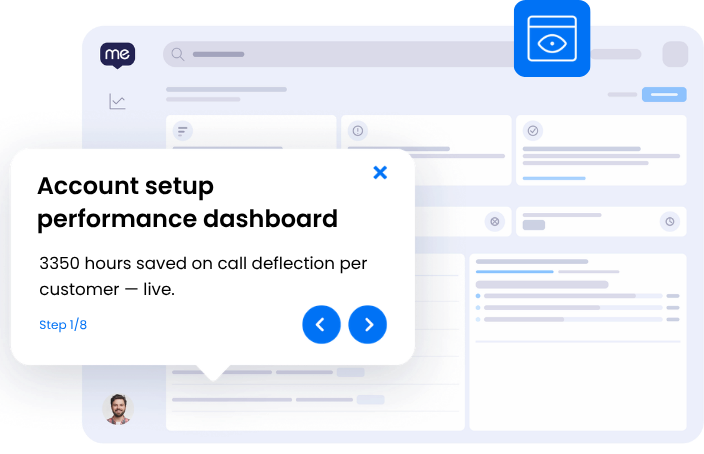
What account management looks like without the friction
Imagine an account creation process that’s smooth, swift, and accurate. Customers glide through onboarding with ease, thanks to personalized guidance and real-time validation. Data errors and duplicated efforts become relics of the past, leaving teams free to focus on delivering exceptional service and compliance.
- Reduce account setup time from hours to minutes
- Achieve a 95% reduction in data entry errors
- Ensure 100% compliance with in-app validation
- Boost customer satisfaction scores by 20%
SEE
See where account management workflows break down
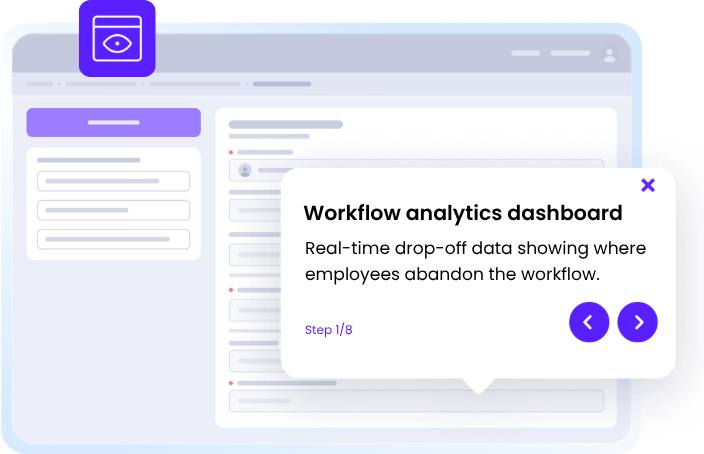
WalkMe captures screen-level context to reveal exactly where employees get stuck in this workflow — no surveys, no backend APIs, real-time visibility on every step. Identify specific failure points like data input errors, verification missteps, and approval bottlenecks.
3x
more process gaps identified with workflow analytics

ACT
Guide every employee through account management workflow — step by step
Provide in-app, contextual guidance via the action bar that walks users through complex steps. Employees follow protocols correctly without needing to leave their application or recall training.
75%
reduction in email security training time
MOVE
Keep account management workflows moving across every application
WalkMe maintains workflow continuity across app boundaries, carrying context from one application to the next. Cross-application orchestration ensures no step is lost in the gaps between tools like Salesforce, FIS Global, and Okta.
30%
reduction in spam-related support tickets
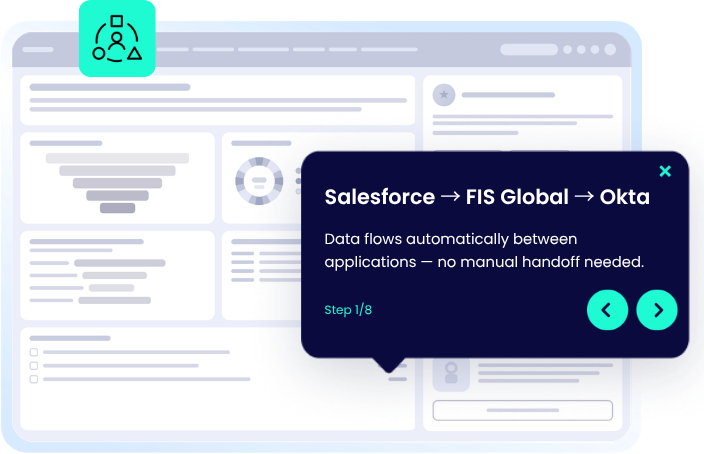
Manage account management workflow across your applications
WalkMe deploys a single, consistent guidance layer across every application your team uses for this workflow.
-
Account Management in Dropbox
WalkMe assists in managing account-related file uploads and sharing in Dropbox, ensuring data integrity and compliance.
-
Account Management in Box
WalkMe guides users through organizing and accessing account documents within Box to maintain streamlined records.
-
Account Management in Fidelity Investments
WalkMe automates data validation and policy application in Fidelity Investments for seamless account management workflows.
-
Account Management in FIS Global
WalkMe ensures compliance by guiding users through policy checks during account setup in FIS Global systems.
-
Account Management in Slack
WalkMe provides instant alerts and guidance for account updates and approvals within Slack channels.
-
Account Management in Outlook
WalkMe helps users schedule account-related communications with step-by-step email templates directly in Outlook.
-
Account Management in Sharepoint
WalkMe facilitates document management by guiding users through uploading and sharing account-related files in Sharepoint.
-
Account Management in Salesforce Lightning
WalkMe enhances account onboarding by delivering in-app walkthroughs to assist users with complex data inputs in Salesforce Lightning.
-
Account Management in Salesforce Classic
WalkMe streamlines the account creation process by providing step-by-step guidance and SmartTips within Salesforce Classic to prevent data entry errors.
-
Account Management in Microsoft Teams
WalkMe guides users through scheduling and facilitating account management meetings with real-time prompts in Microsoft Teams.
Account management capabilities
Frequently asked questions about account management workflow
Calculate your account management ROI
Discover the time savings and risk reduction possible with streamlined account processes.

READY TO START?
Ready to streamline account management?
Join enterprises saving 3350 hours per customer with WalkMe.