INFORMATION TECHNOLOGY
Struggling with Manual Access Provisioning and Deprovisioning?
Manually controlling resource access leads to errors and frustration. Discover a streamlined solution with enterprise access control solutions for managing identity smarter.
When Access Management Falters, Efficiency Crumbles
Struggling to manage access means wasting countless hours on manual provisioning and leaving gaps in security compliance. You face frustrated employees, increased risk, and operational chaos that can impact your entire organization.

Manual Provisioning Pitfalls
Access requests take too long and involve cumbersome processes. This leads to errors in using various control methods, like role-based or discretionary access control systems.

Employee Password Fatigue
Constant logins frustrate users and reduce productivity. The complexity of remembering multiple credentials only adds to their stress.

Compliance and Security Challenges
Lack of visibility into who has access increases risk and fails audits. Remote work complicates enforcement of identity management best practices.
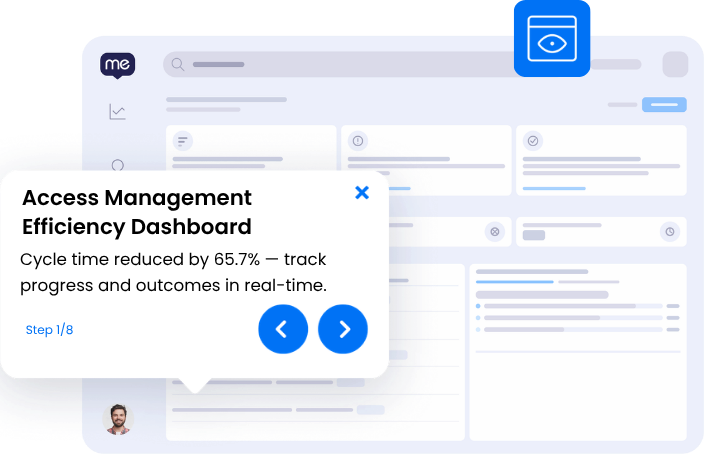
Access Management Without the Friction
Picture an environment where adding new systems is seamless and connecting them to your existing infrastructure is straightforward. No more grappling with password fatigue or tracking down who has what access. Everything just works, helping your team stay focused and efficient.
- Cut cycle times by 65.7%
- Smooth integration of all systems with SSO
- Visible access audit trails from request to approval
- Reduced unauthorized access events
SEE
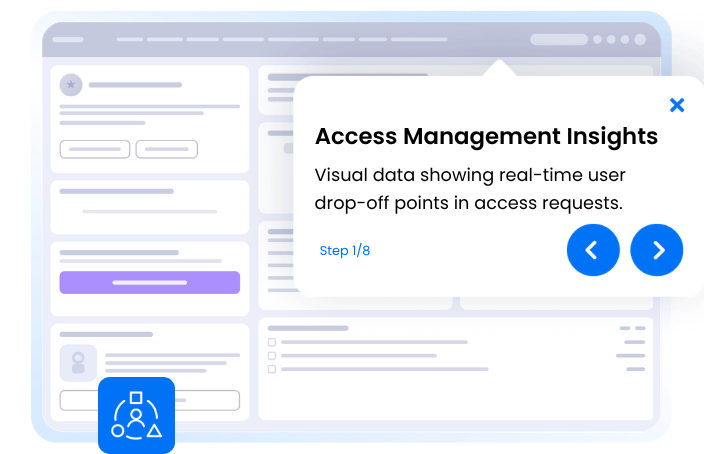
See Where Access Management Workflows Break Down
WalkMe captures screen-level context to reveal exactly where employees get stuck in this workflow — no surveys, no backend APIs, real-time visibility on every step. Identify trouble spots like provisioning access, applying the correct control method, or managing password compliance.
65.7%
reduced cycle time
3x
more process gaps identified with workflow analytics
ACT
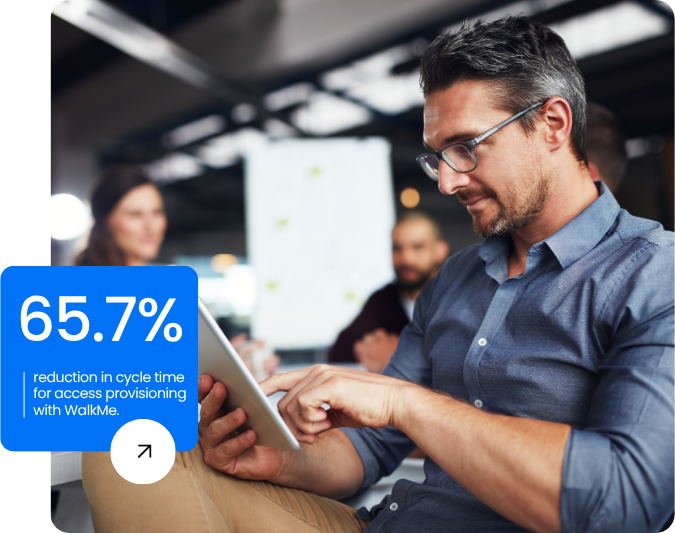
Automate Access Requests and Approval Steps Effortlessly
Provide in-app, contextual guidance via the action bar that walks users through complex access management steps. Employees request and manage access rights without frustration, eliminating bottlenecks and guesswork.
65.7%
reduction in cycle time for access provisioning
75%
reduction in email security training time
MOVE
Keep Access Management Moving Across Every Application
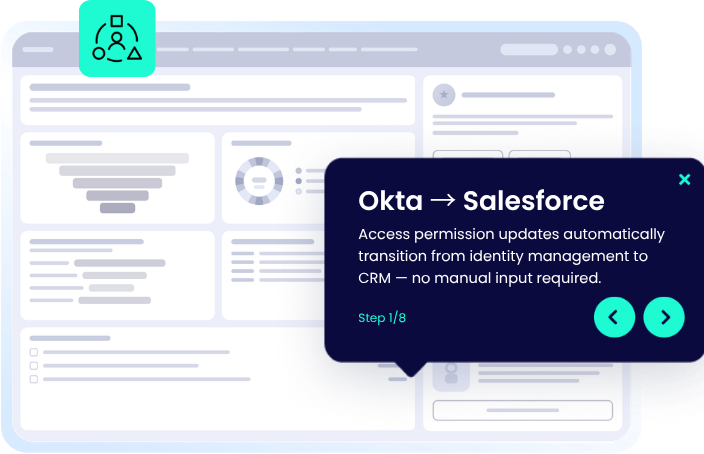
Cross-application orchestration ensures your access management processes continue seamlessly as context transfers from Okta to Salesforce and beyond. This continuity prevents any lapses or errors at app boundaries, keeping workflows efficient and secure.
65.7%
reduced cycle time
30%
reduction in spam-related support tickets
Manage Access Management Across Your Applications
WalkMe deploys a single, consistent guidance layer across every application your team uses for this workflow.
-
Access Management in Jira
WalkMe guides administrators in setting up project access controls and permissions workflows within Jira.
-
Access Management in Slack
WalkMe provides seamless guidance for configuring and managing identity access policies in Okta, improving security compliance.
-
Access Management in Sharepoint
WalkMe helps users navigate permission settings on Sharepoint, ensuring compliance and easy access management.
-
Access Management in Microsoft Azure
WalkMe directs administrators through complex access policy setups within Azure, enhancing cloud security measures.
-
Access Management in Salesforce Lightning
WalkMe guides sales teams through updating and maintaining user access control lists within Salesforce Lightning.
-
Access Management in Outlook
WalkMe enables users to manage access requests directly from Outlook, saving time and reducing process friction.
-
Access Management in Microsoft Teams
WalkMe assists users in setting up secure, efficient team spaces by providing step-by-step access configuration guidance.
-
Access Management in ServiceNow
WalkMe's action bar guides IT staff through access request fulfillment and documentation in ServiceNow, minimizing manual errors.
-
Access Management in SAP OnDemand
WalkMe provides contextual help for configuring role-based access settings, ensuring compliant onboarding in SAP OnDemand.
Access Management Capabilities
Frequently Asked Questions About Access Management
Calculate the impact of removing the friction
Discover how much time, risk, and cost you could eliminate by streamlining access management with automation.

READY TO START?
Ready to fix Access Management for good?
Join enterprises reducing cycle time by 65.7% with WalkMe.