Guidance & Automation
Every app and workflow works the way it should.
Assist, automate, gather feedback, and document every process, all inside the apps your teams already use. One guiding layer that improves adoption, satisfaction, and ROI across your entire tech stack, including your AI tools.
In-app guidance
Bridge the gap between people and technology.
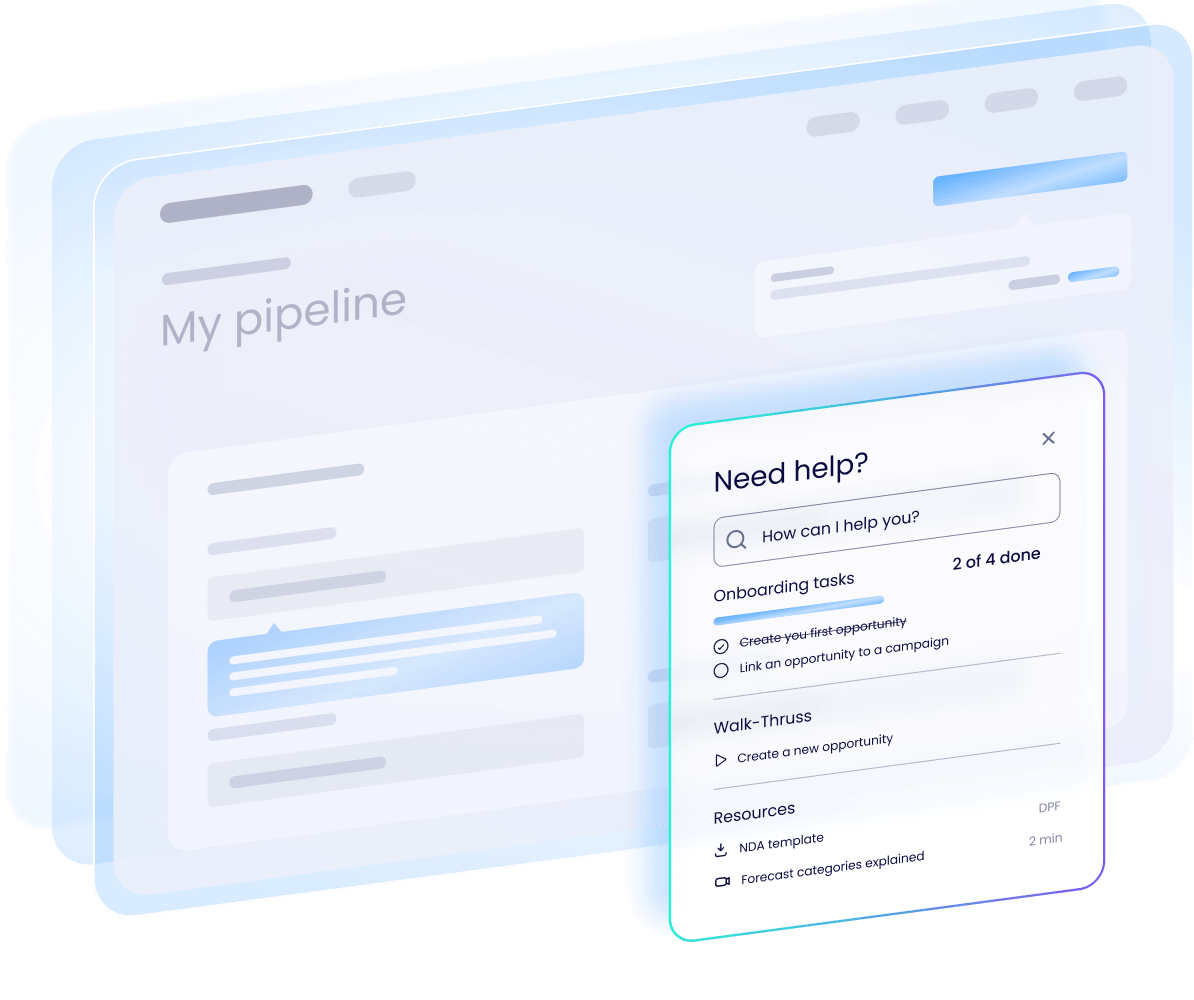
Assist people through key workflows with tooltips, visual cues, and step-by-step walkthroughs. On-demand help appears right where people work, so they get more done, make fewer mistakes, and actually use the software and AI tools you’re paying for.
Workflow automation
Scale the output of your workflows.
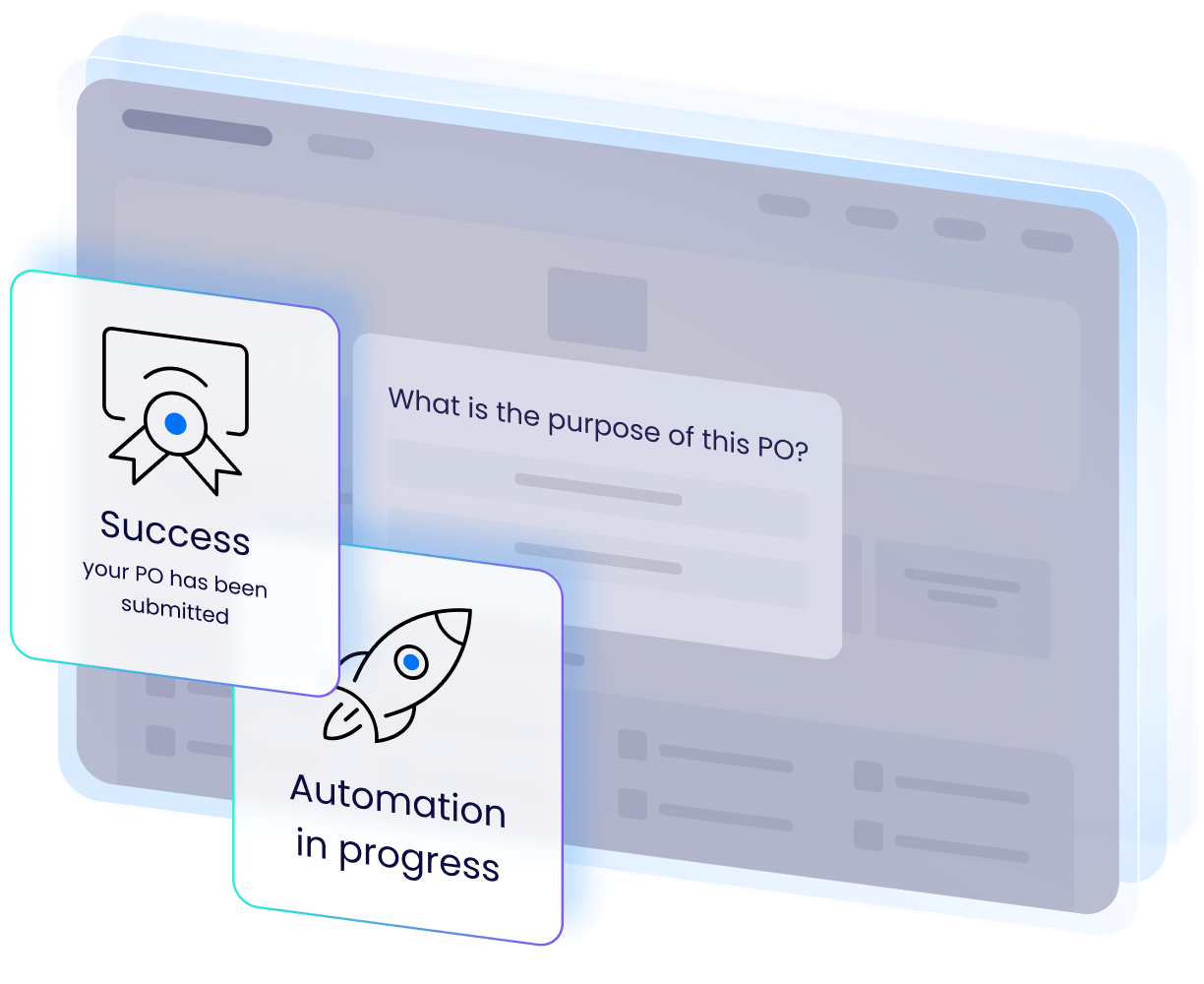
Create powerful automations without limits. Automate the clicks, steps, and form fills that slow your teams down and live outside the reach of your AI agents, so every process runs by the book, more quickly, and without human error. Faster processes, cleaner data, and people focused on work that matters.
SOP documentation
Standard operating procedures that write themselves.
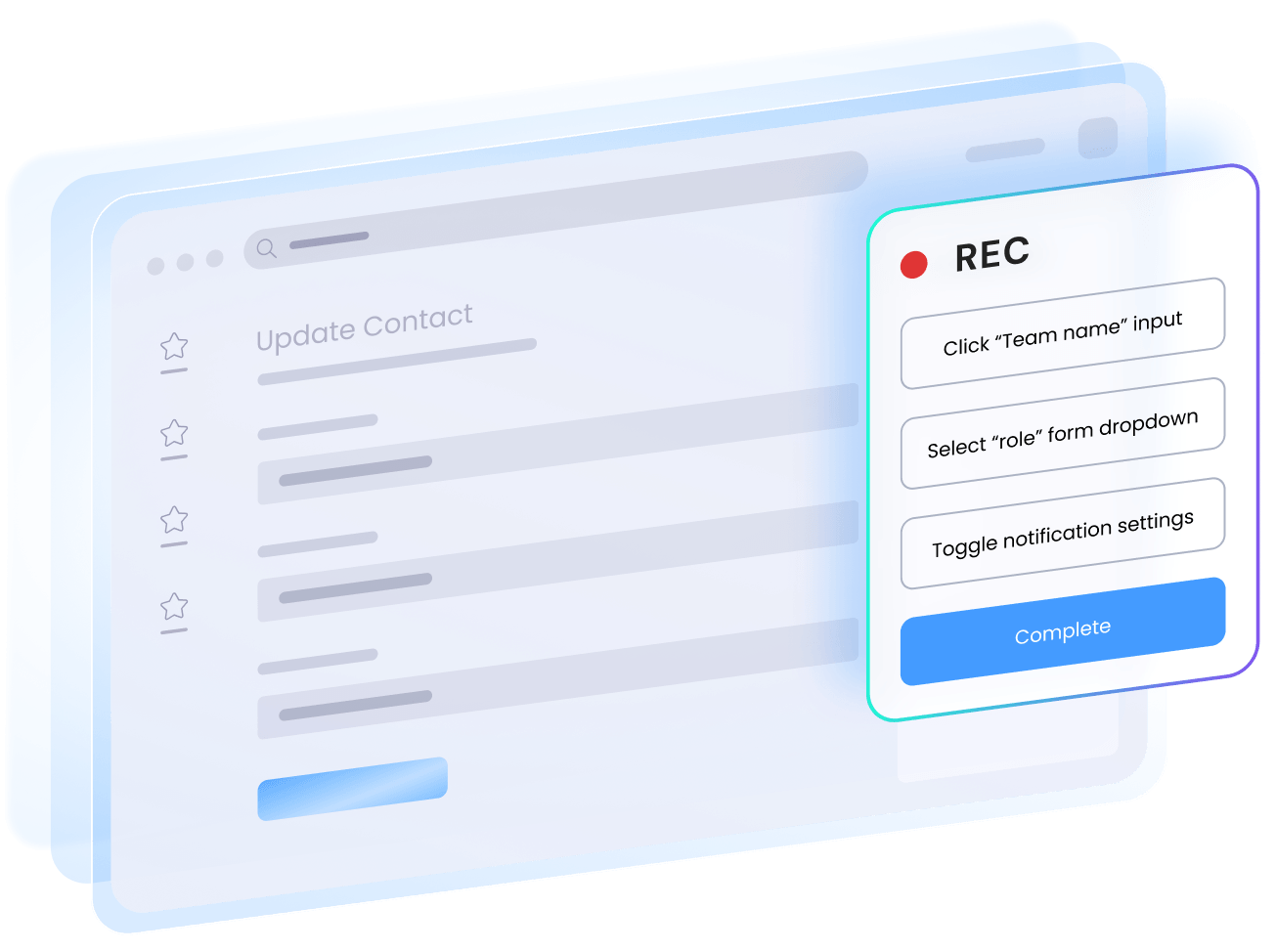
Haiku, WalkMe’s solution for standard operating procedures, captures your workflow as you click and drafts the documentation for you. With smart screenshots, flexible annotations and descriptions, and instant export, processes get documented in minutes, not hours, and people have clear knowledge to reference.
Surveys
Hear from users when and where it matters.
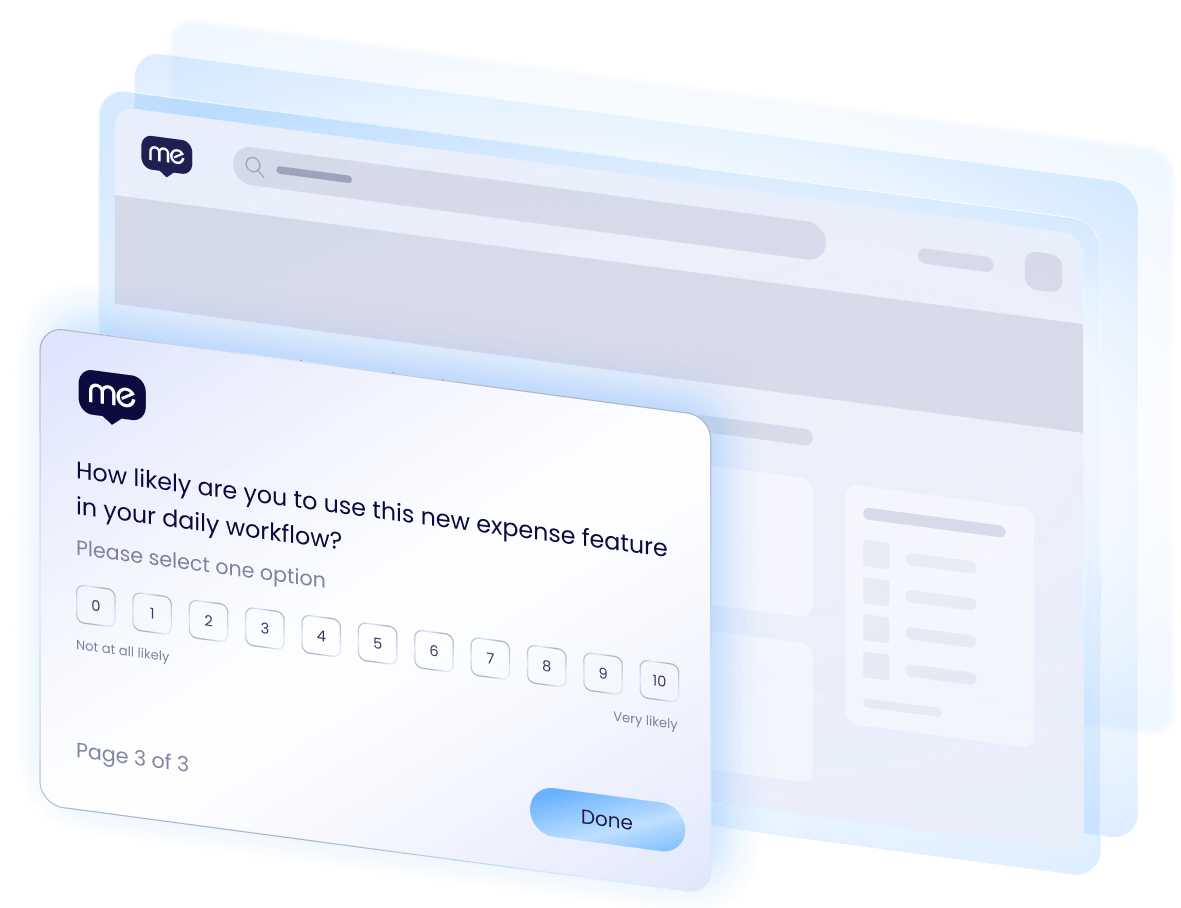
Turn every moment into a feedback opportunity and capture real-time signal in the flow of work. Trigger customizable surveys in the moment, target the right people with precision, and convert every response into a decision you can act on.
Guidance creation
Guidance as easy as describing what you want.
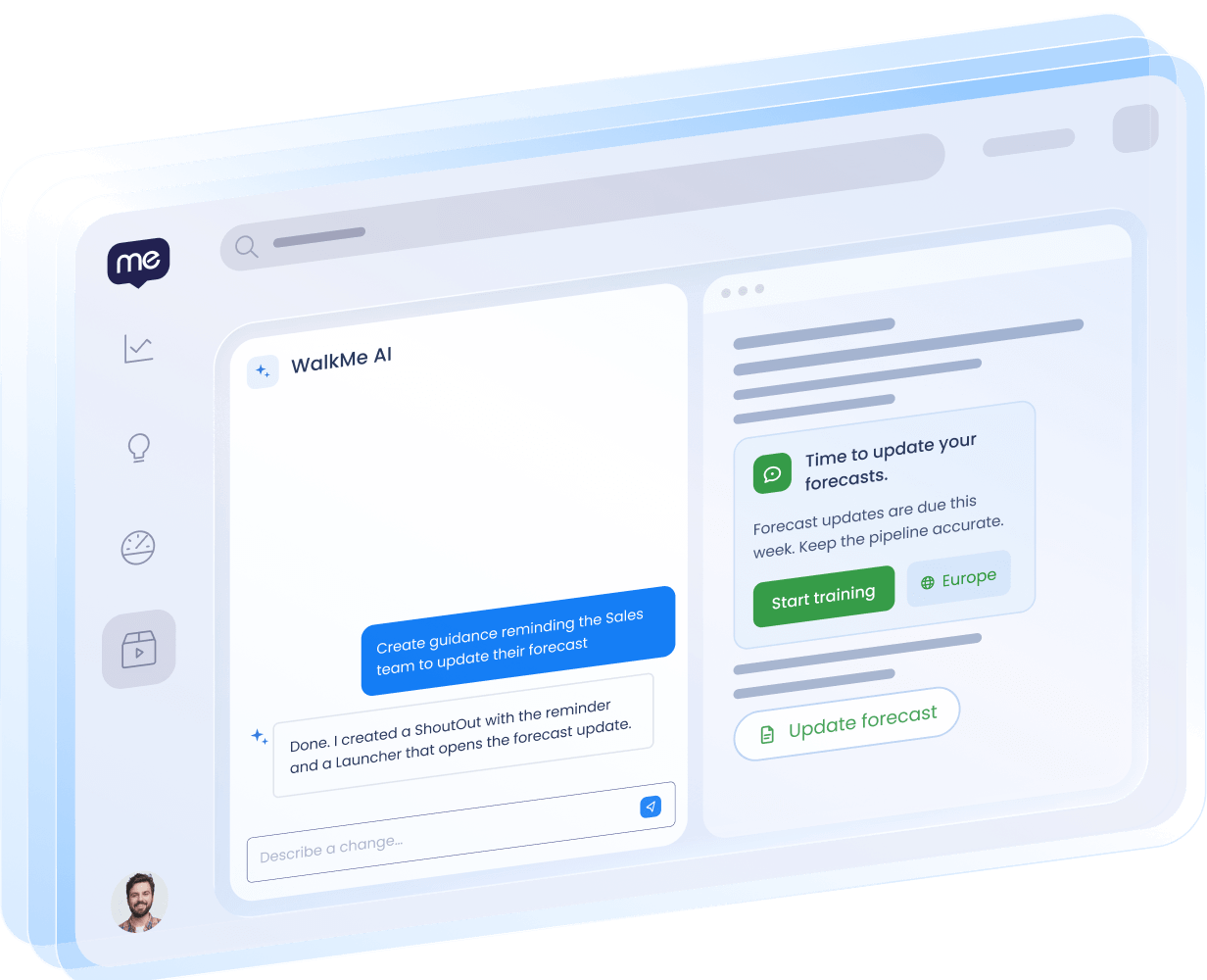
Creating guidance and getting it in front of your users doesn’t have to take long. Describe what you need in plain language and WalkMe’s AI does the heavy lifting. Start from scratch, build with AI, or skip ahead with pre-built templates for your most common workflows.

“WalkMe allows us to implement customized guidance for users, so we can offer the enhanced employee experience that they want.”
Yudai Uraguchi
Assistant Manager, Management Information System Department, Corporate IT

“WalkMe delivers the right information, at the right time, in the right place. Instead of requiring managers to leave the system and search for help, we use WalkMe to surface guidance exactly when and where it’s needed. This gives managers time back to focus on more strategic work.”

“WalkMe makes it easy to push information really quickly to the right people when and how they need it, regardless of their language, location, or role.”
Explore more from WalkMe.

CUSTOMER STORY
Deloitte delivers digital adoption at scale to reduce support tickets
CUSTOMER TESTIMONIAL
Splunk uses WalkMe automation to transform employee productivity
E-BOOK
The State of Digital Adoption 2026
Make software work your way.
See what changes when help, automation, and answers live inside the work.