Enterprise Computer Use Agent (CUA)
You click Approve, WalkMe clicks the rest.
Ask in plain words and approve the plan. Enterprise computer use agents then do the work in any app with tested code, and check every result.
The agent reality check
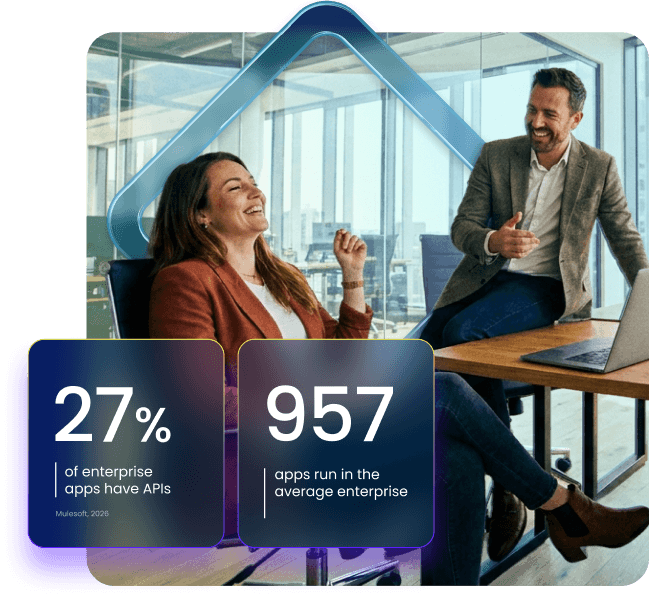
Your agents can’t reach most apps.
It looks great in the demo. Then you hit a supplier portal with no API, a homegrown tool, and the security review. Your people need an agent that works with or without an API.
What is a computer use agent?
AI can now use any app,
so the real question is who’s driving.
A computer use agent (CUA) uses an app’s screen the way a person does, even with no API. For company work, it has to act as one real user, with no more access than they have.
Generic CUA
AI drives.
An AI call and a screenshot on every click
Asks a model what to do next
Clicks or types
Repeats, and small errors add up
WalkMe Enterprise CUA
AI plans. Verified code drives.
One AI call to plan · then AI only if stuck
AI plans the task once, from actions you approved
The whole plan is checked before the app is touched
Verified code does each step, as the user
Each result is confirmed in the app before the next step
Why WalkMe’s Enterprise CUA
AI agents that work beside your people in any app, within the rules you set.
Predictable by design
Verified code runs each step, so results hold up and costs stay predictable.
Governed as the user
It does only what you approved, within each user’s access, and logs every step.
Beyond the API
SAP or not, API or not, it works through the same screens your people use.
How it works
Every step takes the most reliable route first.
If the app can hand over the data directly, it uses that. If not, it runs tested steps on screen. AI steps in only when nothing else works.
First
Data straight from the app
When the app allows it, no AI, no clicks
Second
Tested steps
Tested code clicks through the screen, no AI
Third
DeepUI recognition
Finds the same button after a page change, no AI
Last
AI, only if stuck
Handles one stuck step, capped per task
The enterprise standard
Six things every enterprise agent has to get right.
Hold every vendor to all six, including us.
Reliability
Run the same task twice and both runs follow verified, checked steps.
Governance
You approve what it can do up front and see every step it took.
Compliance
It works within what each user is already allowed to do.
Speed
Most steps run on tested code, so nobody waits on an AI model.
Cost
Before a task starts, you know the most it can spend on AI.
Maintainability
If apps change, it finds the same button or stops; fixes need your OK.
WHO IT’S FOR
Built for the people who own the work and the people who do it.
CIO / Chief AI Officer
Run agents in every app you use, even with no API, and know the max AI cost up front.
CISO / IT governance
No new identity. It runs as the user, does only what you approved, and logs every step.
Business ops / process owner
Agents run your process end to end, API or not, following only the steps you approved.
Business builder / automation CoE
Describe the task once, approve it, and it’s tested before it goes live.

Walkme + Sap
Coming to SAP,
built for every app you run.
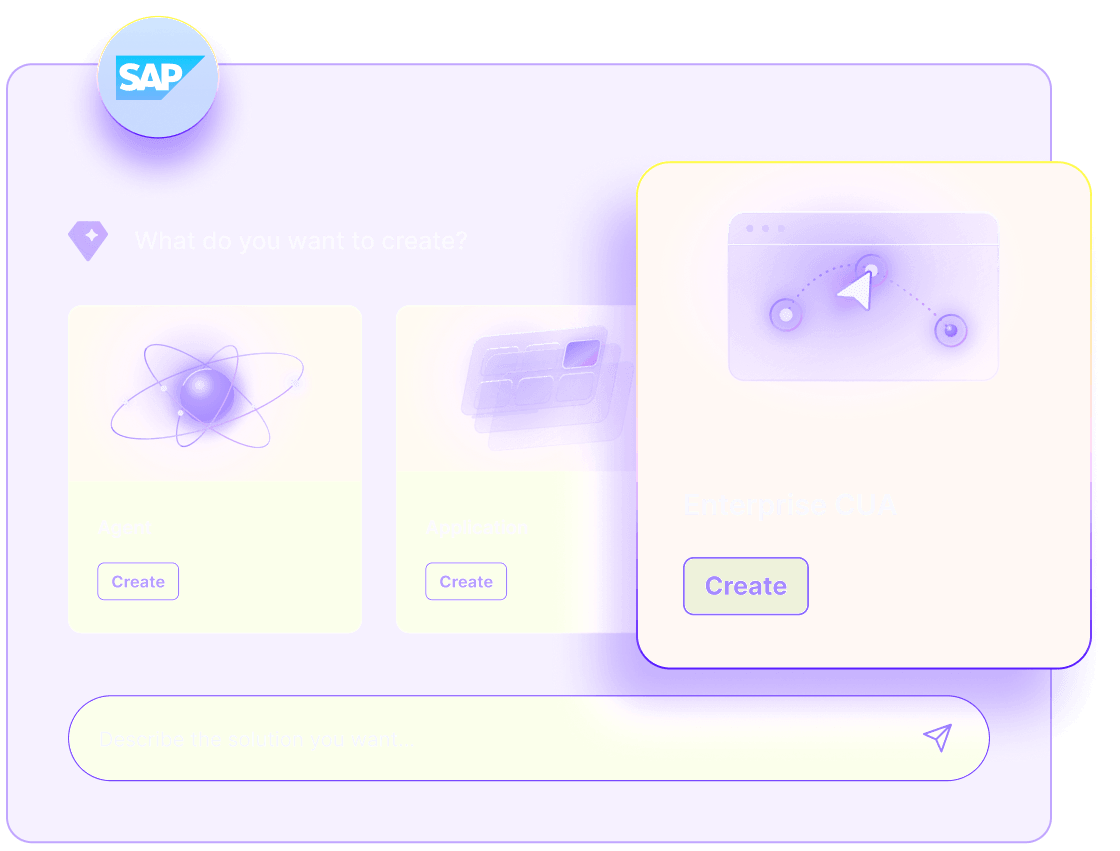
WalkMe is an SAP company. Custom Enterprise Computer Use Agents are coming to SAP Joule Studio, where you’ll manage them next to Joule Agents and use them in apps outside SAP, with or without an API.
Next step
Help shape how your agents will work.
Get launch news first, plus a shot at the beta and our design partner program.
Faq
Questions,
answered
Sources:
- MuleSoft, 2026 Connectivity Benchmark Report.
- Gartner, June 2025.
© 2026 WalkMe, an SAP company.