Q2 2026 Product Release: What If Work Just Knew?

Imagine a day of work where the information you need is delivered precisely when you need it. Where a new hire has a clear path from day one, not a pile of links. Where your team builds a training course in an afternoon instead of a quarter.
Right now, most organizations aren’t there yet. WalkMe’s State of Digital Adoption 2026 found that employees lose 51 workdays a year to software and AI friction, and organizations capture only 55% of the potential value from their AI investments. That’s not a capability gap. It’s an adoption gap.
WalkMe’s Q2 ’26 release is built to close that gap. For employees, that means contextual guidance that appears at the right moment, in the right application, without switching tabs or asking for help. For builders, admins, and learning designers, it means that AI covers the groundwork so your expertise is spent where it actually matters.
That’s the thread connecting everything in Q2 ’26. Not more tools. Not more complexity. Just work that knows what you need, when you need it, wherever you sit.
In this release:
- Contextual AI that surfaces the right information inside apps your employees are already using.
- AI-powered authoring and structured learning paths that take training or enablement from slow build to fast ship.
- A more unified Console, native mobile support, and smarter Surveys that give admins and builders more control with less overhead.
Context, delivered
Smart Highlights, AI Chat, Solutions Gallery, and AI Usage Dashboard
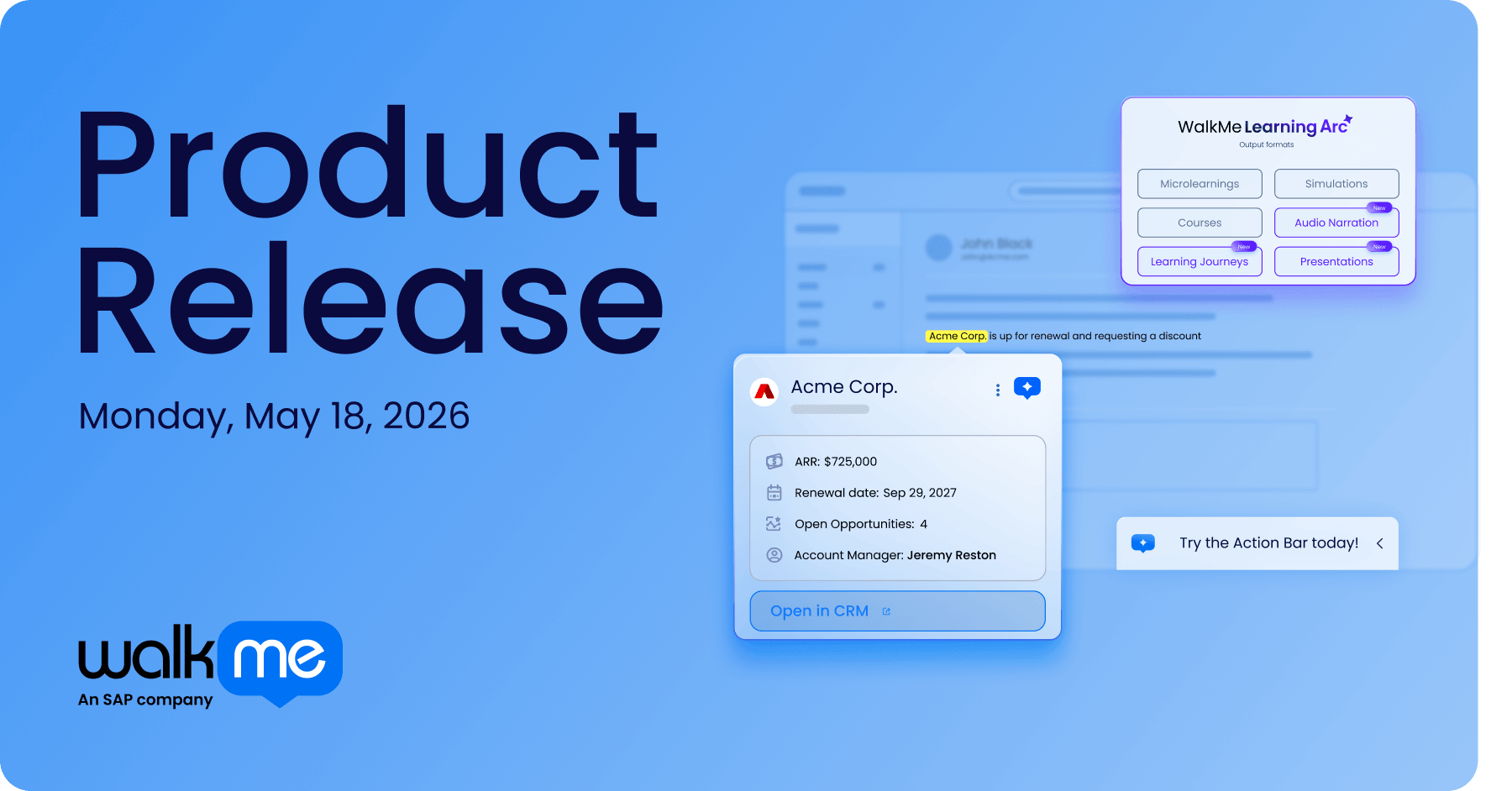
Smart Highlights is a new capability that surfaces live data from your enterprise systems: Salesforce, ServiceNow, Jira, and SAP SuccessFactors, directly inside whichever application your employees are already using, without requiring them to switch tabs or copy-paste anything.
You’re working in the CRM. You hover over a field. And instead of opening a new tab, switching to another app, or pinging a colleague, the context you need just appears. Relevant. Specific. Right there.
It sounds simple. It is. That’s the point.
When technology is working, it fades into the background. What stays is the work getting done.
Action Bar Updates
The Action Bar keeps getting better. Q2 adds bulk system configuration so admins can roll out AI-enabled guidance across multiple systems at once, plus support for 38 languages, meaning global teams get the same experience without additional setup. If you missed the Action Bar’s debut, catch up on what it does here.
Find yourself asking what’s an “Action Bar” ? Worry not. You can catch up on this can’t-miss webinar here. Basically, the Action Bar is WalkMe’s on-screen overlay that surfaces guidance and next-best actions right inside the apps your employees already use.
Among other updates, Q2 takes it global: one configuration covers multiple systems at once, and with 38 languages now supported, every team gets the same experience no matter where they’re working.
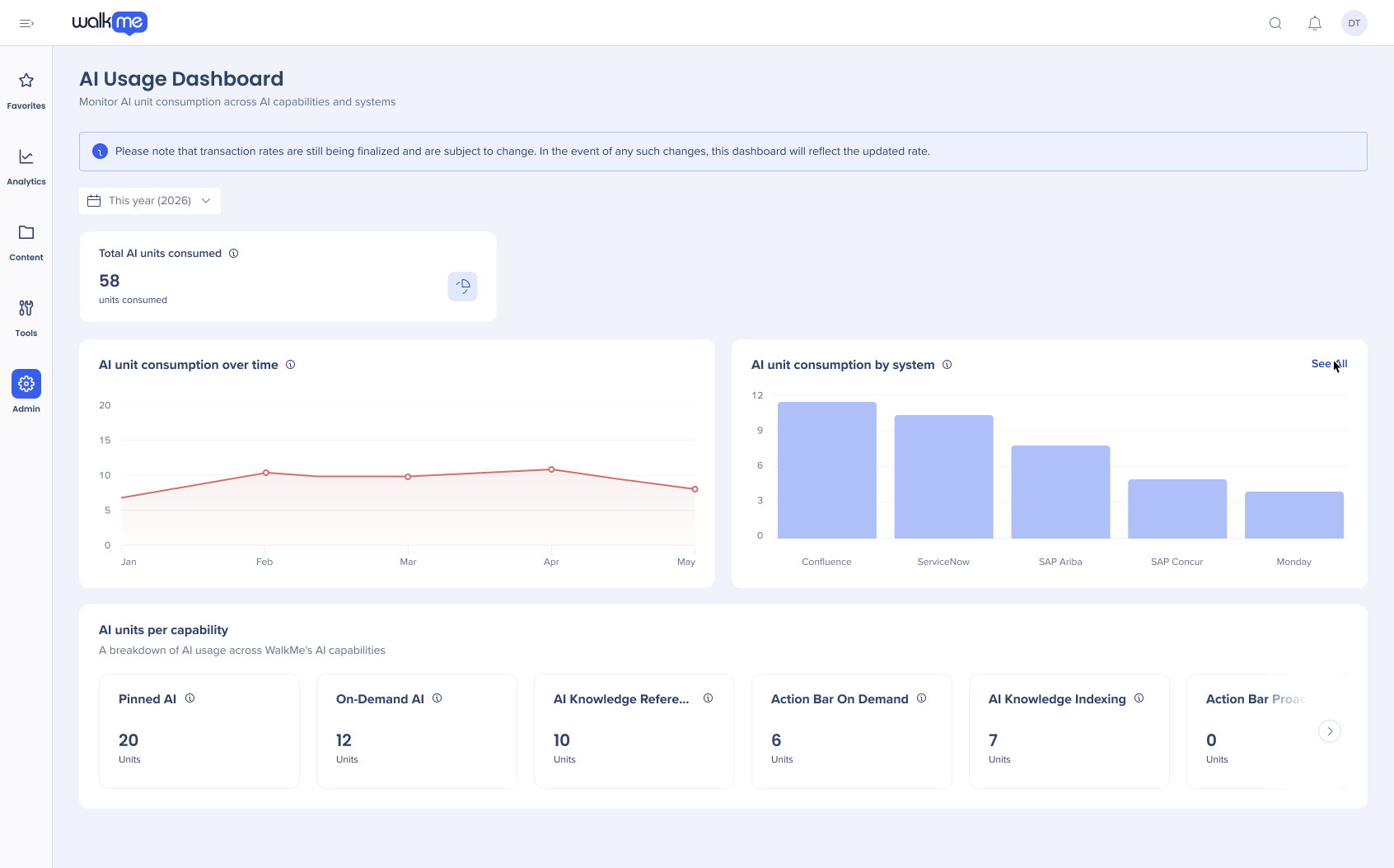
AI Chat works the same way, reading what’s actually on your screen to give you answers that fit your situation, not a generic help article written for someone else. For the teams deploying all of this, new AI templates in the Solutions Gallery mean you can start from a working example instead of a blank page, with ready-made templates for common use cases like onboarding, compliance training, and process guidance to help you go live faster. And the AI Usage Dashboard ties it all together, giving you the visibility to track adoption and prove value.
Learning: from slow build to fast ship
AI Authoring, Learning Journeys, Audio Narration, and Simulations
There’s a particular kind of frustration that L&D teams (or anyone tasked with creating training for that matter) know well: you spend three months building something important, and by the time it’s live, the world has already moved on.
AI-powered authoring in WalkMe Learning Arc (our digital learning solution) doesn’t just speed things up, it changes what’s possible. Draft outlines in seconds. Restructure lessons without starting over. Get from idea to launch in a fraction of the time, without sacrificing quality.
The question for teams who build and deliver training has never been whether the content matters. It’s whether you can build it before the moment passes.
But speed only matters if learners actually engage with what you build. New Learning Journeys let you sequence courses and microlessons into a structured path, so employees don’t just receive content, they progress through it with clear milestones and readiness checks before advancing.
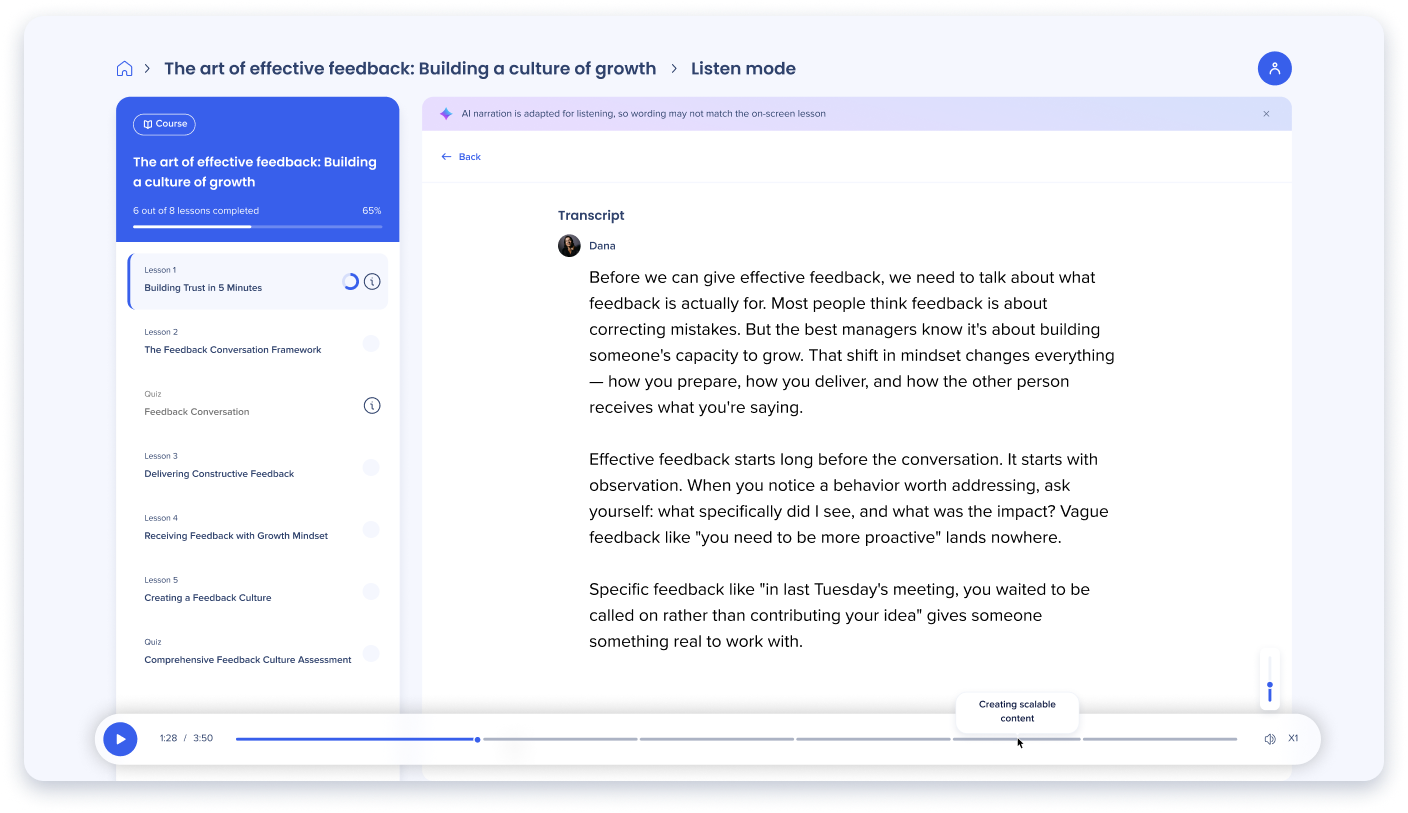
New Audio Narration means learners can consume content while commuting, multitasking, or working hands-on, improving completion rates and serving a wider range of learning styles and accessibility needs.
And enhanced Simulations give employees a safe space to practice new workflows before the stakes are real. Rather than learning by making mistakes in a live system, they build confidence and muscle memory in a simulated environment, which means faster proficiency and fewer errors where it counts.
Built for builders and admins
Everything you need. All in one place
Enterprise scale means more teams, more environments, more moving parts. Q2 brings it all under one roof: users, permissions, settings, and now mobile, all managed from a unified Console. No separate toolchain, no parallel process.
WalkMe Surveys get smarter too. Respondents only see the questions relevant to them, and your recipient list stays current automatically as your org changes. Less setup, better signal.
Finally, Editor enhancements give builders more precise control over the timing and behavior of every guided experience.
See it live on June 3
Join us for a live demo session where the WalkMe Product team will showcase Smart Highlights, walk through the Solutions Gallery, and take you inside the unified Console.
Already a customer? See it all live on June 3
Still evaluating whether WalkMe’s right for you? Talk to us!